
THE WORKFLOW JOURNEY
From the first request
to the next recommendation.
Follow the stages through real Workflow screens: request, quote, acceptance, booking, job, invoice and review. The captures use a range of fictional Platform Demo jobs to show each stage clearly.
Real deployed app screens · fictional demonstration data · click through each stage.
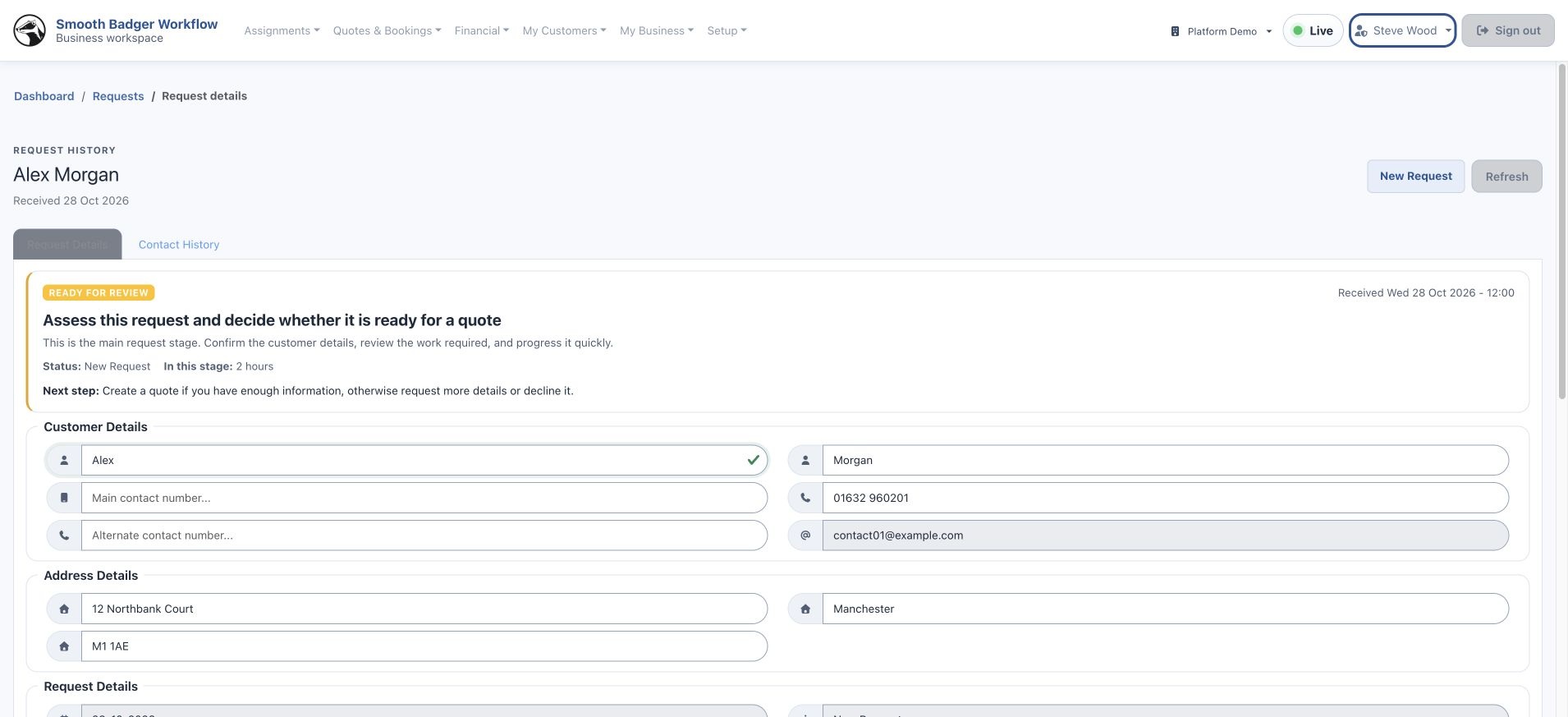
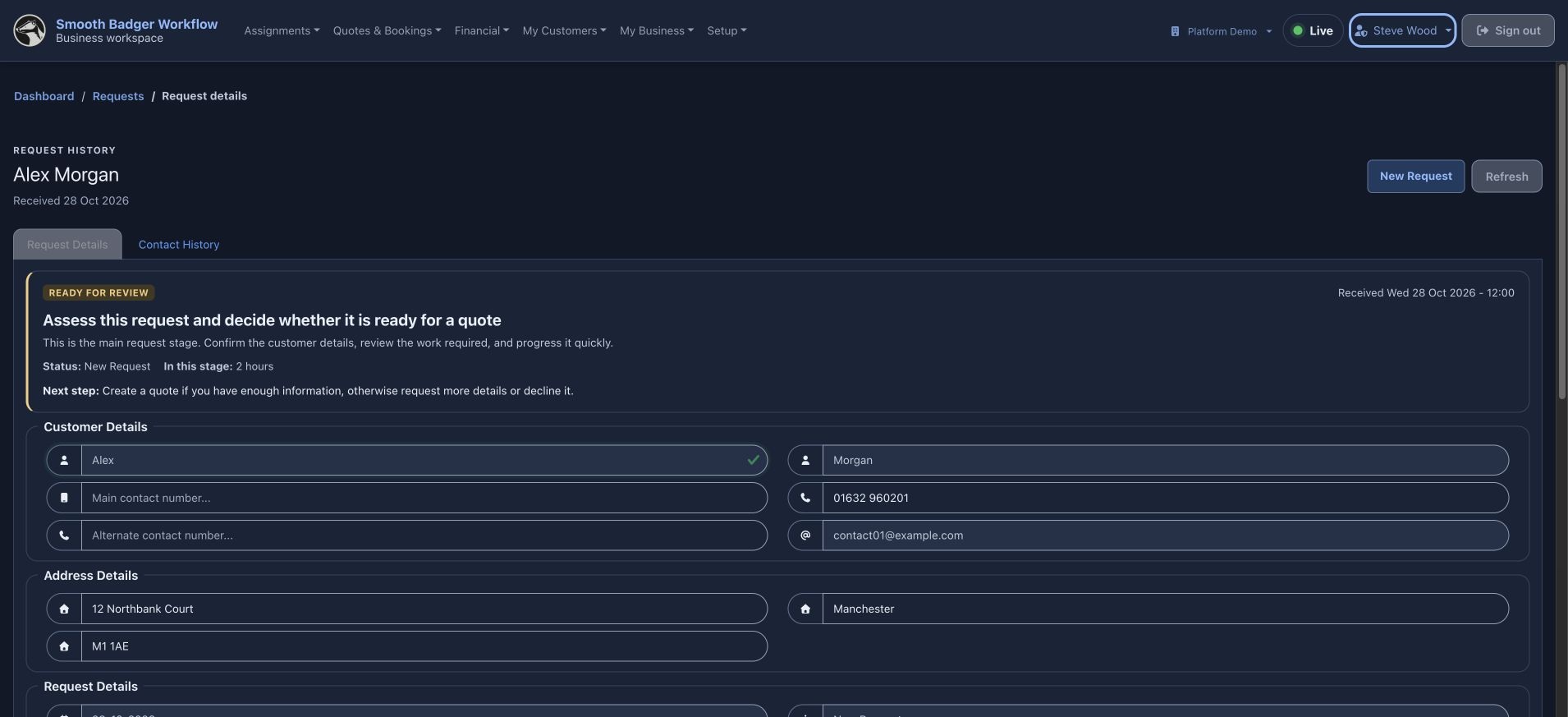
Receive a request
Review the customer’s details and the work required. Decide whether the brief is ready for a quote or needs more information.
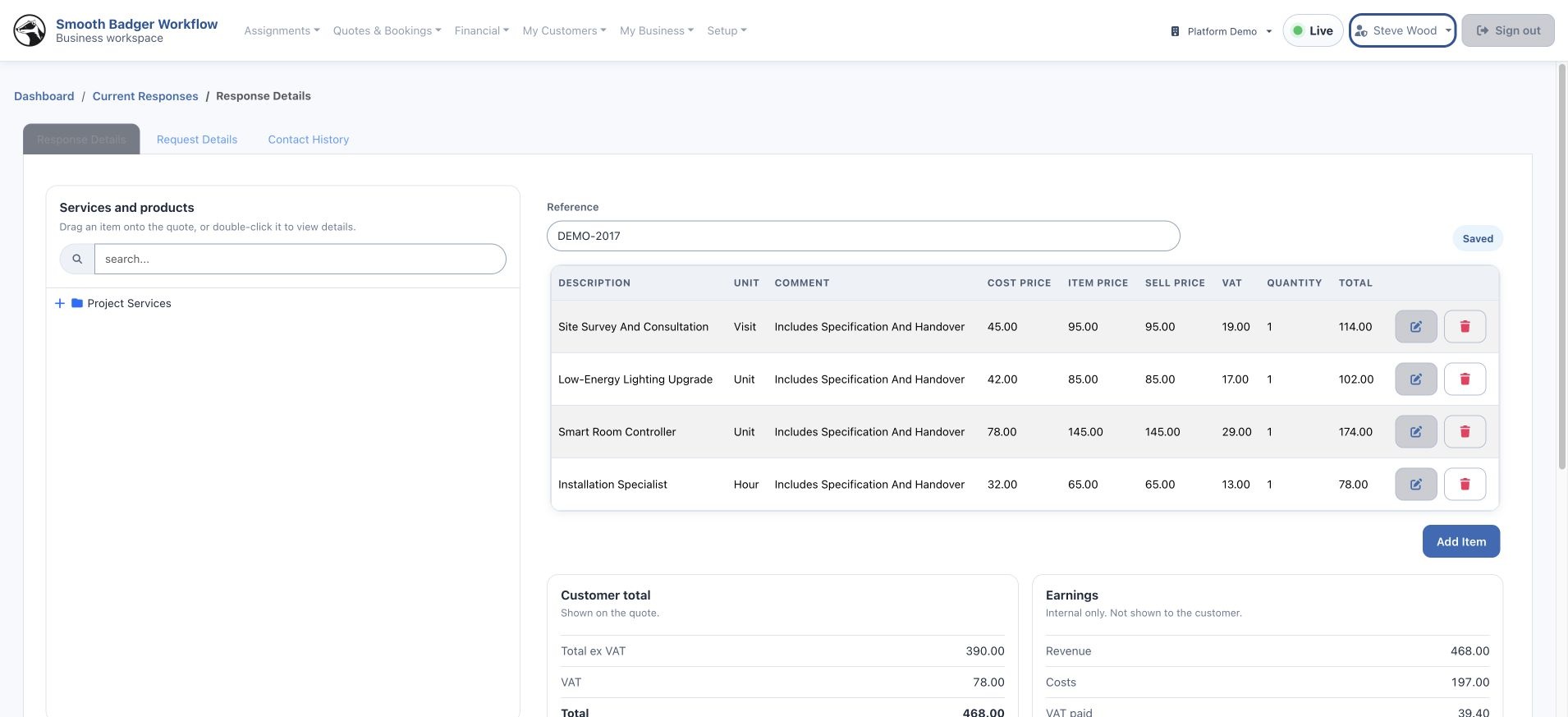
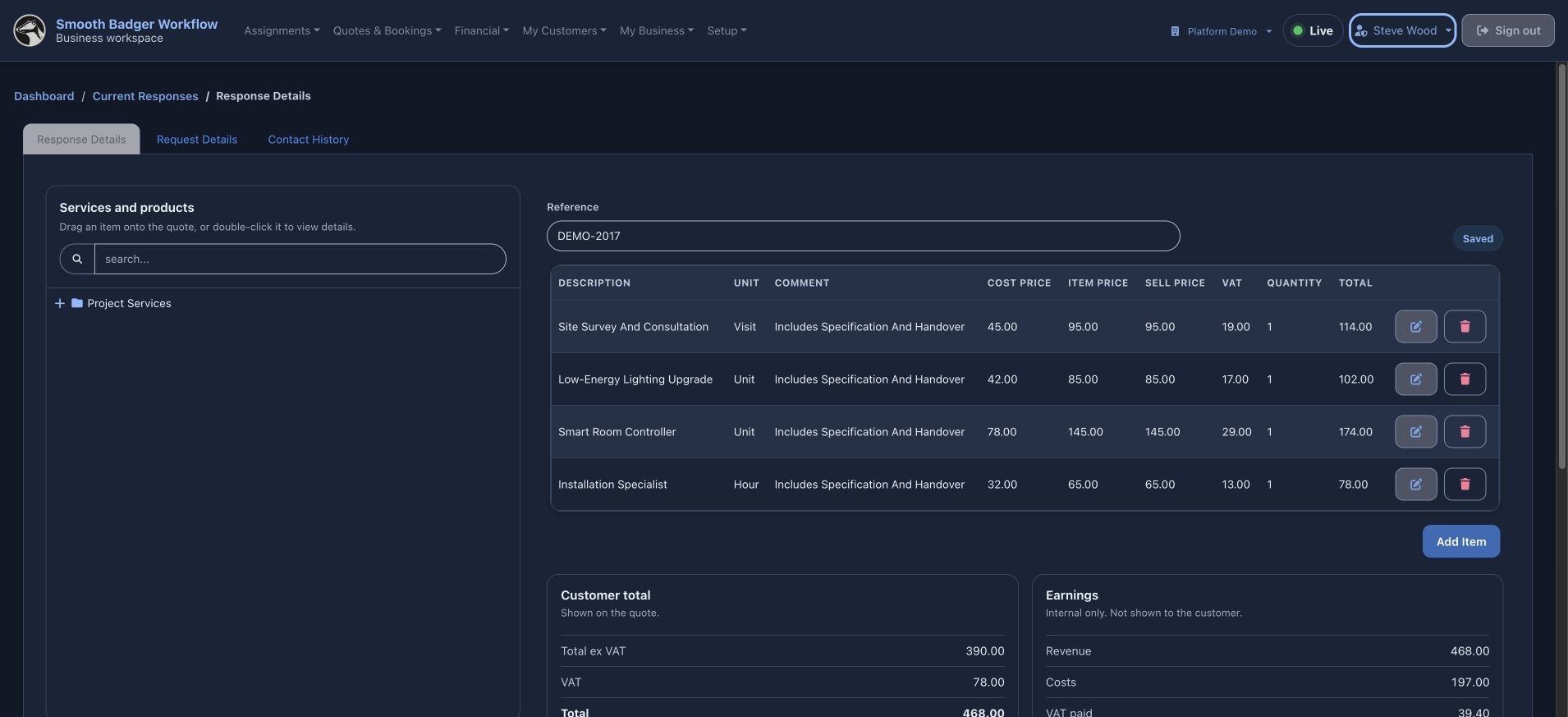
Respond with a quote
Build the proposal from the product and service catalogue. Review quantities, prices and the customer-facing total before sending.
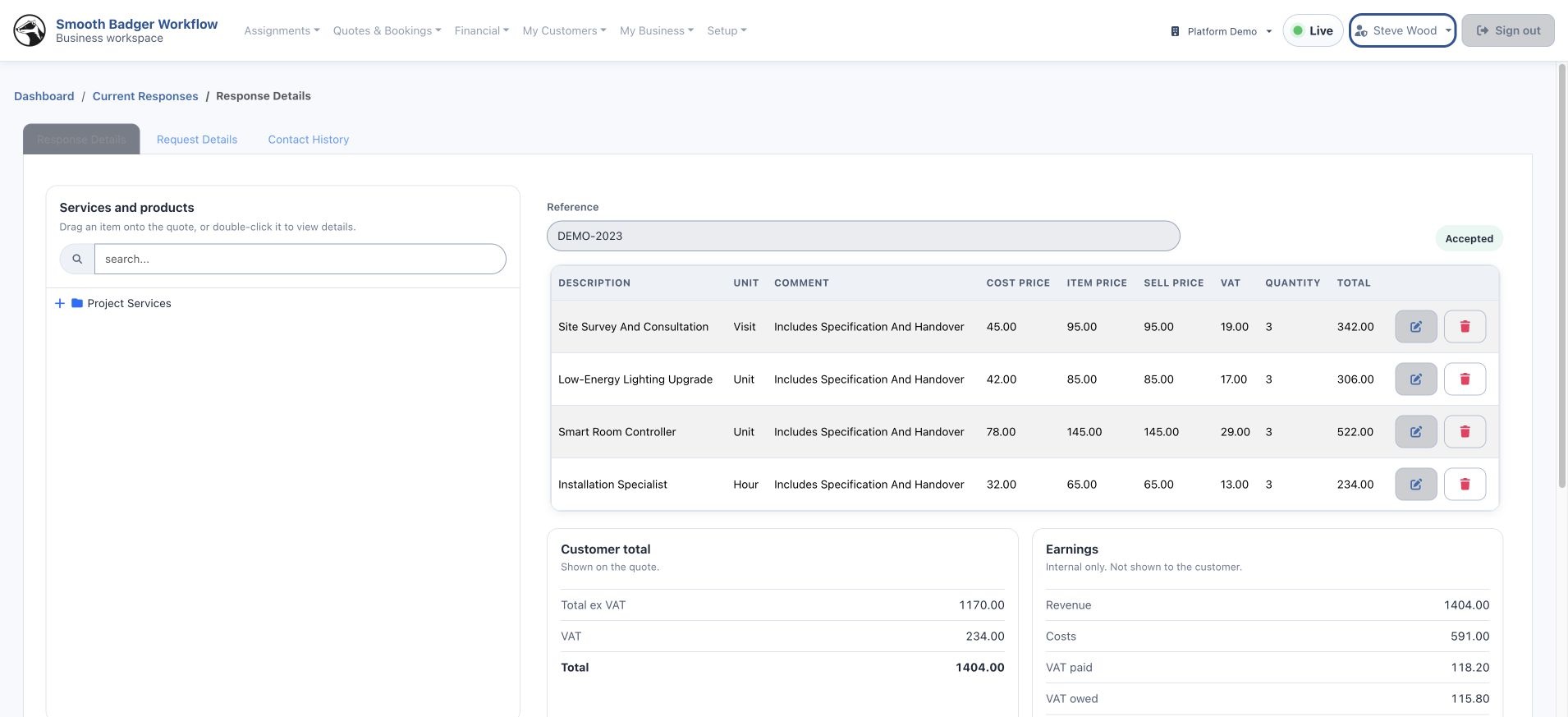
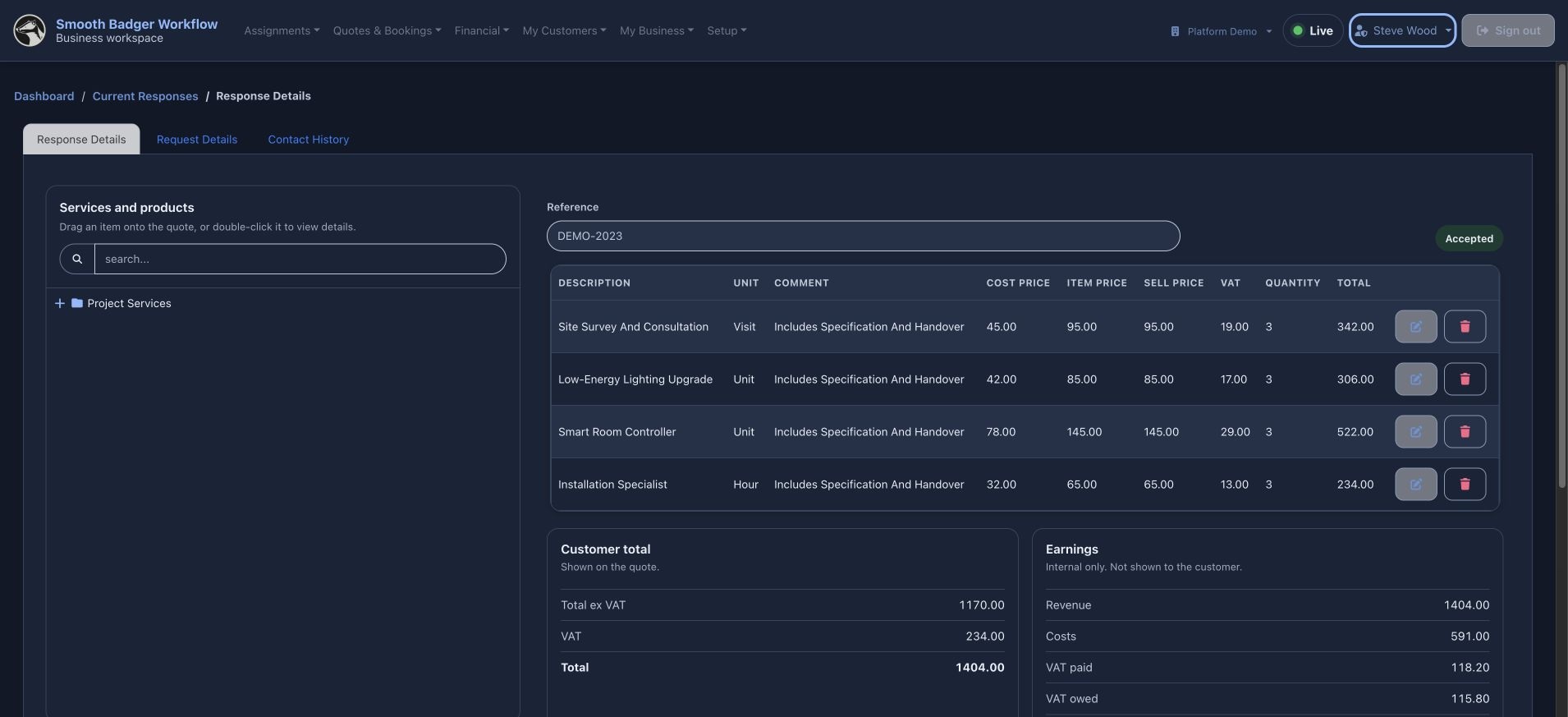
See the accepted quote
An accepted quote is ready for scheduling. Open it and choose Book to move the work into the calendar.
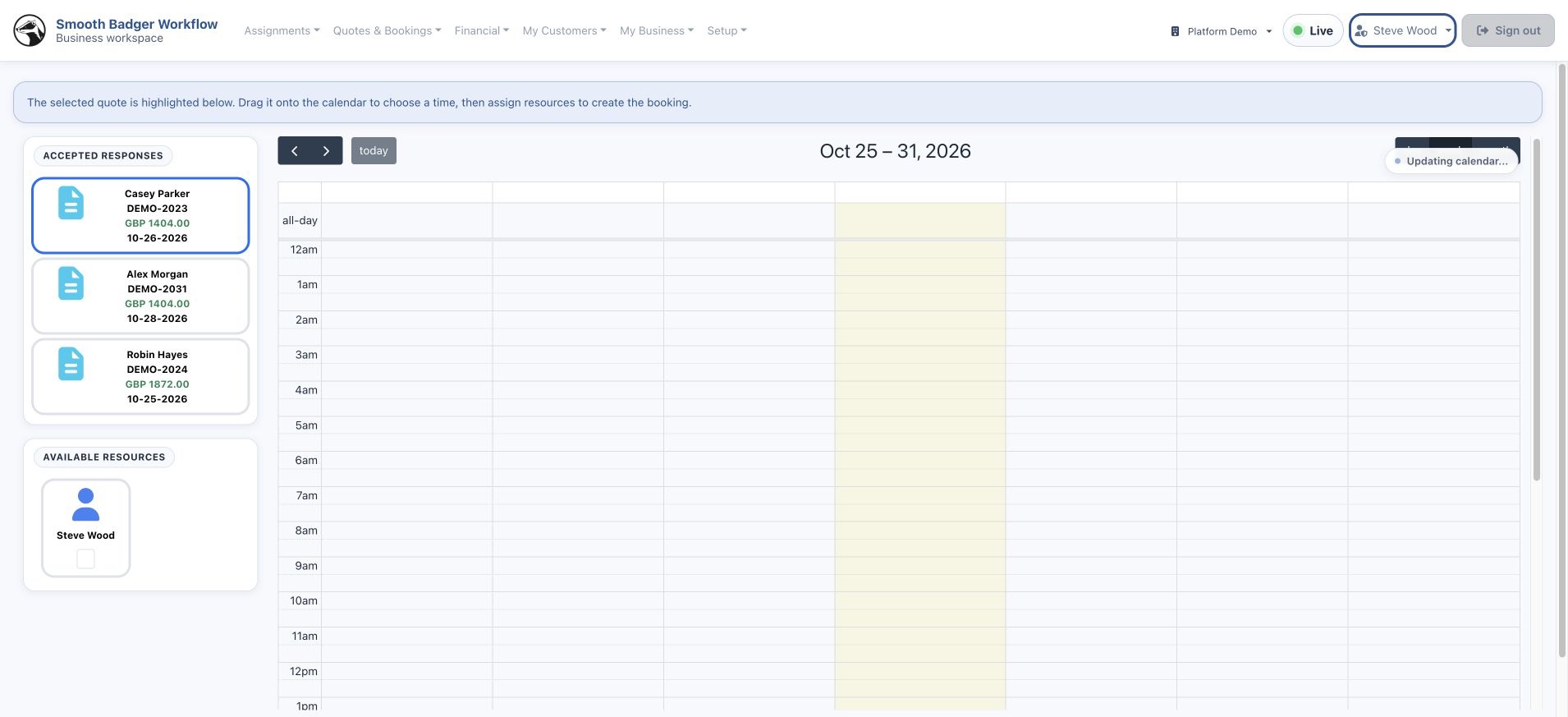
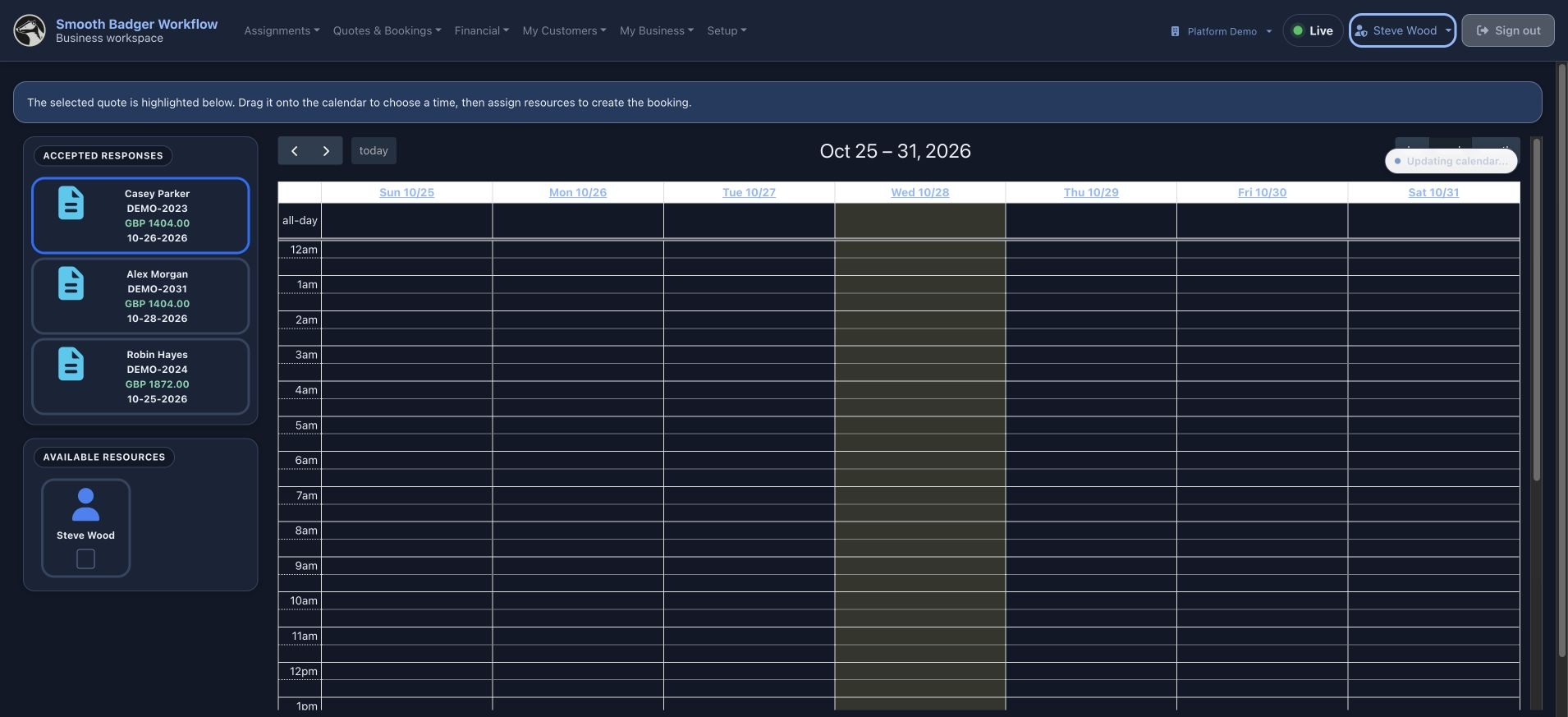
Book the accepted work
Drag the accepted quote onto the calendar, then assign the resources needed for the booking.
Start the job
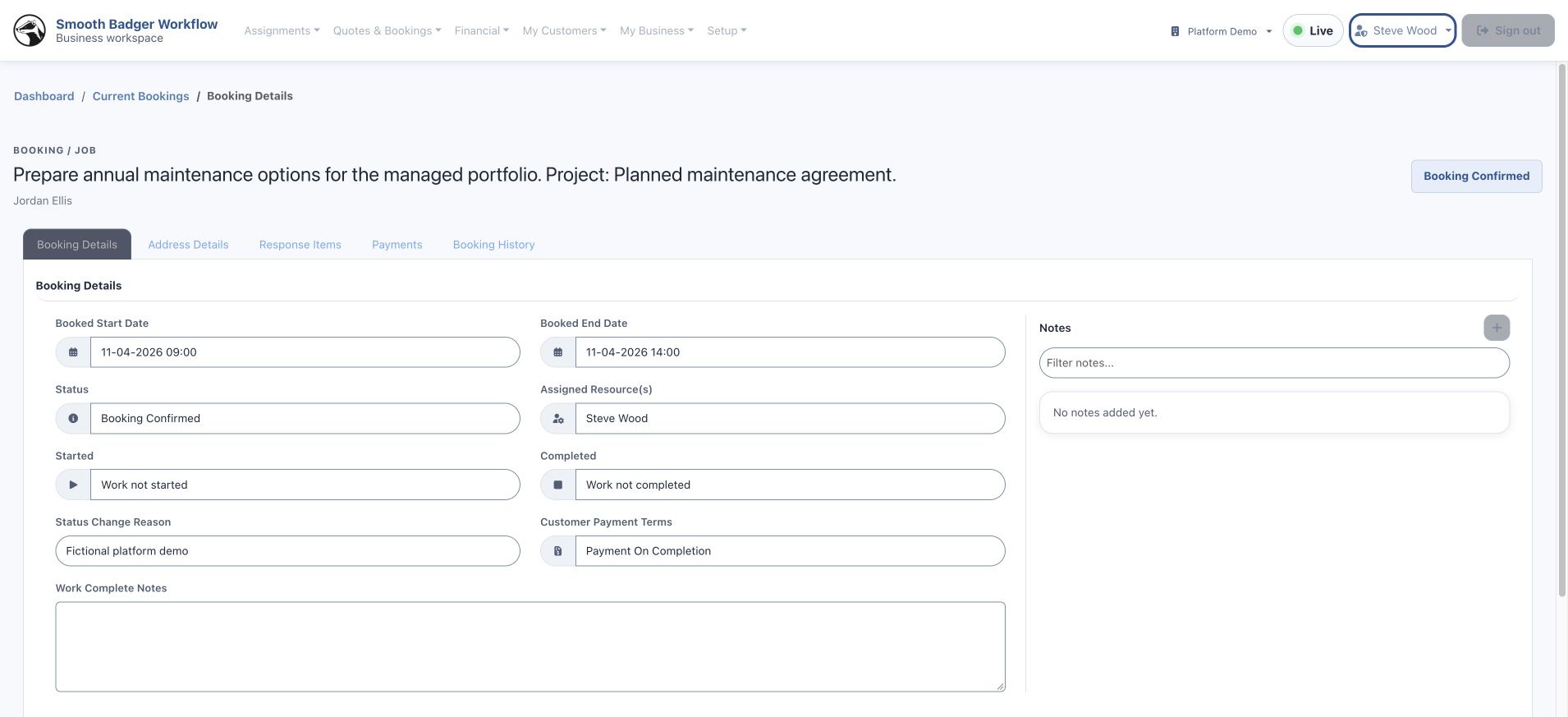
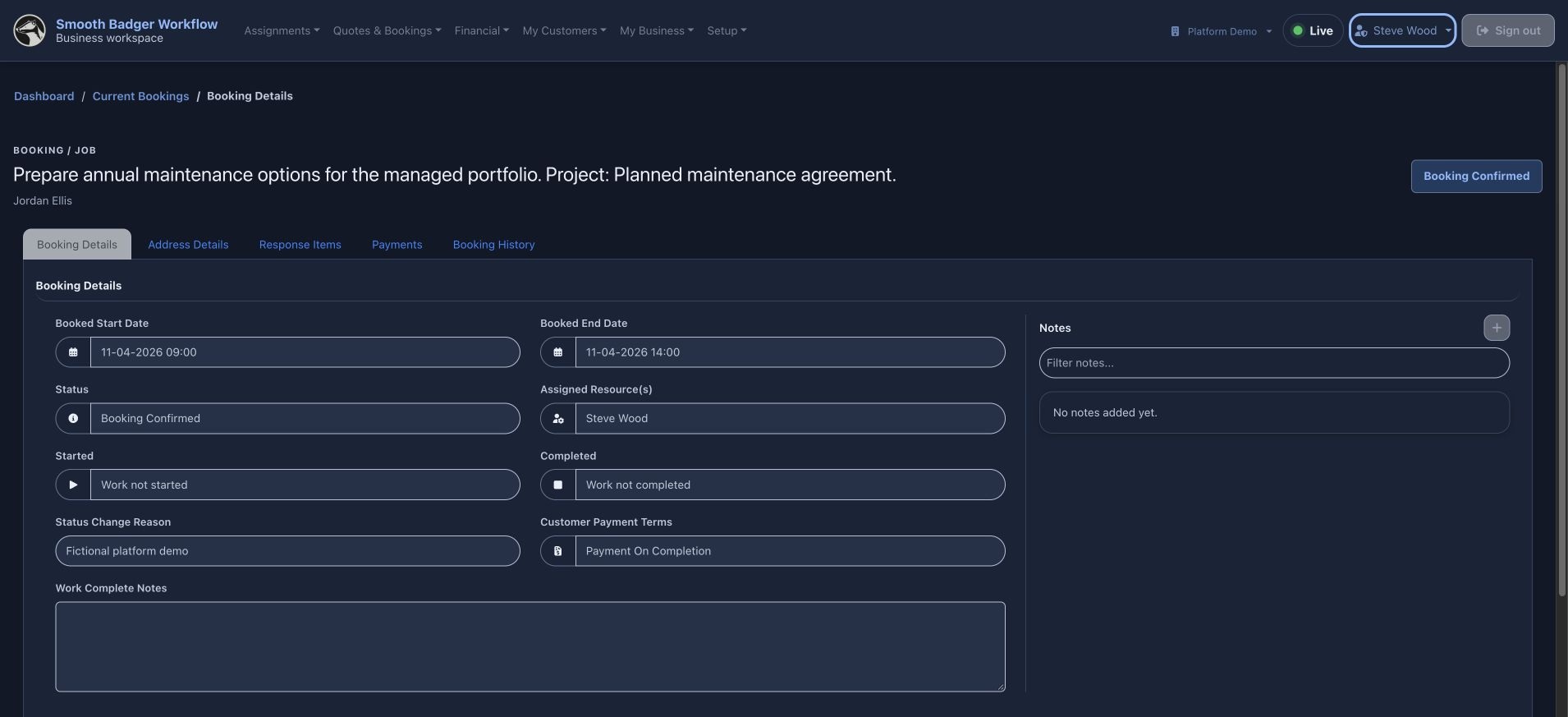
Open the confirmed booking and start the work when the team is ready. The job keeps the dates, resource and customer context together.
Complete the work
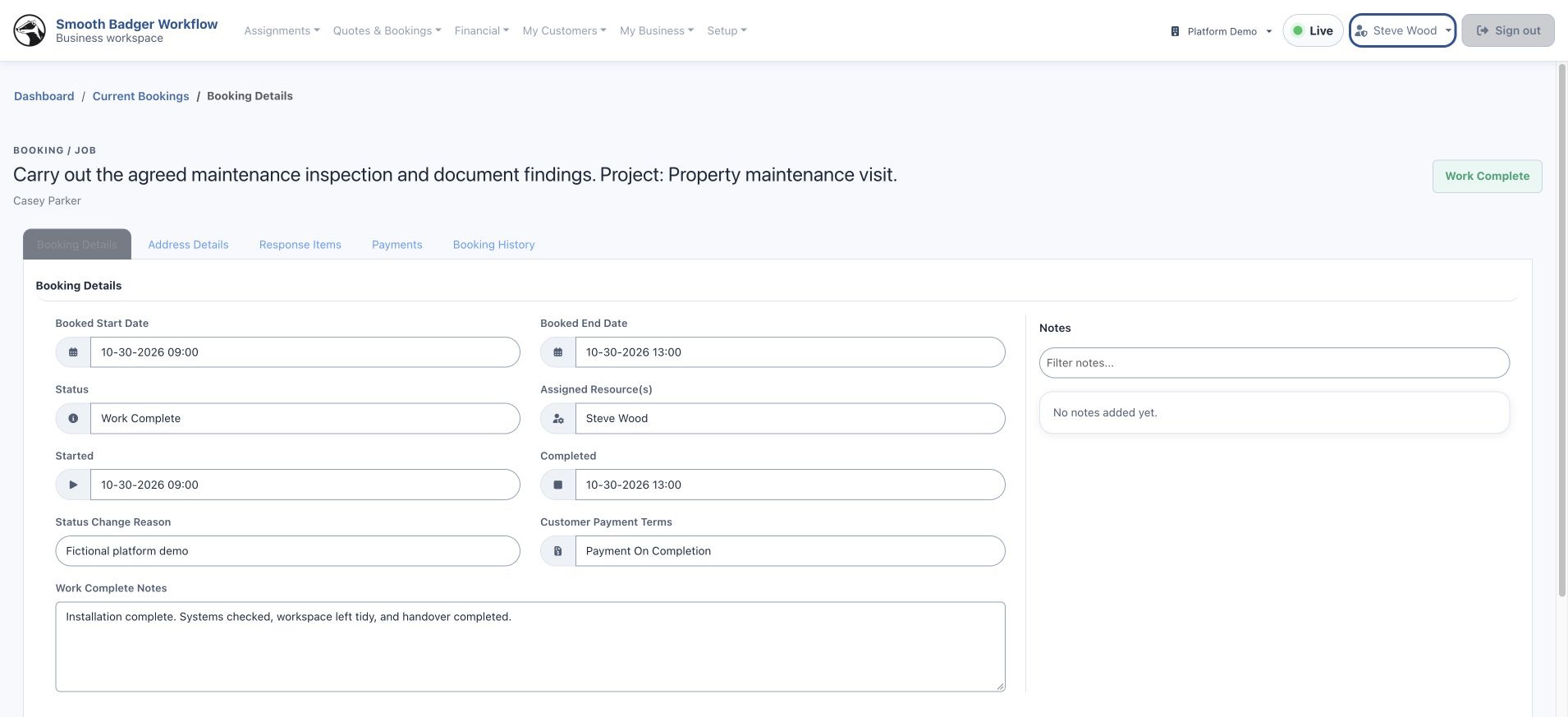
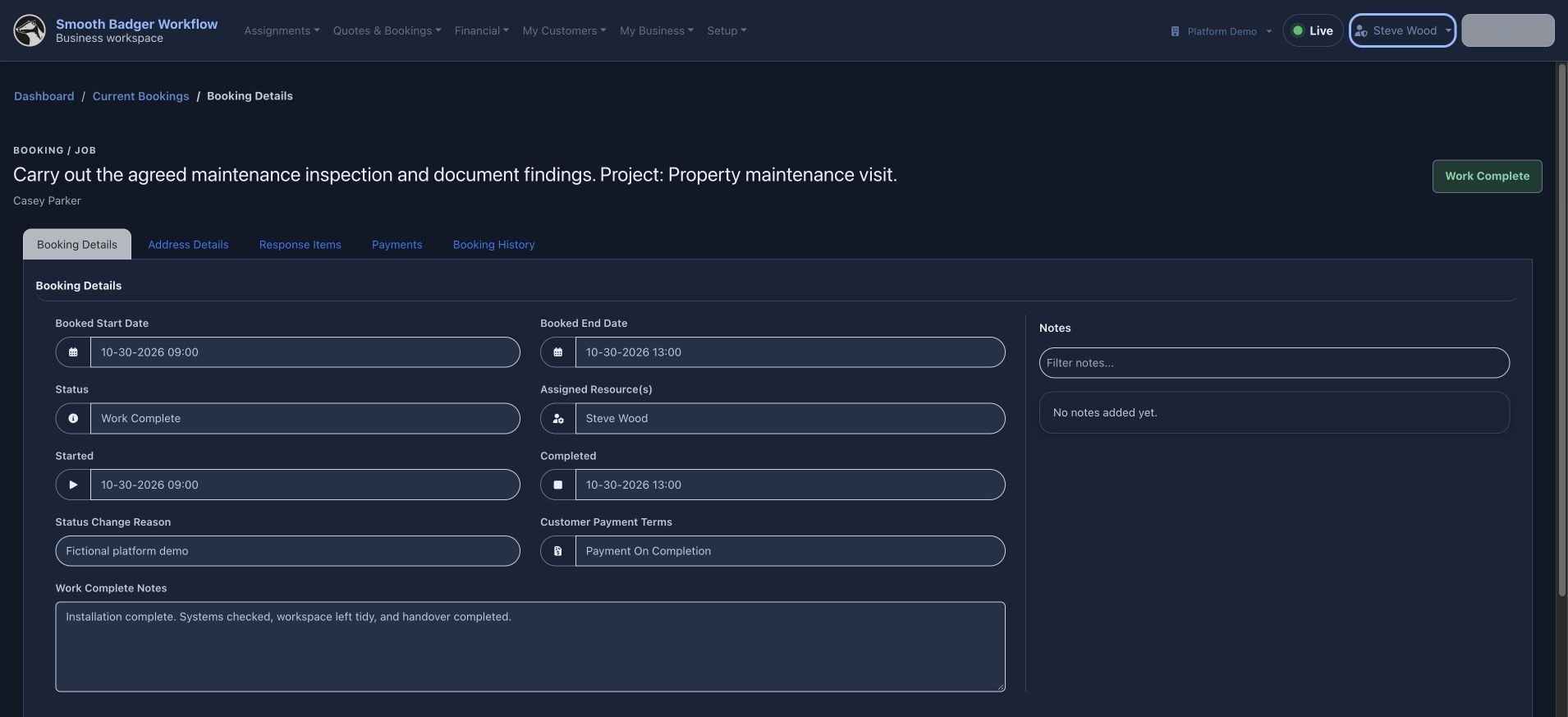
Finish the job and retain the completion details with the booking. The completed work is ready for billing.
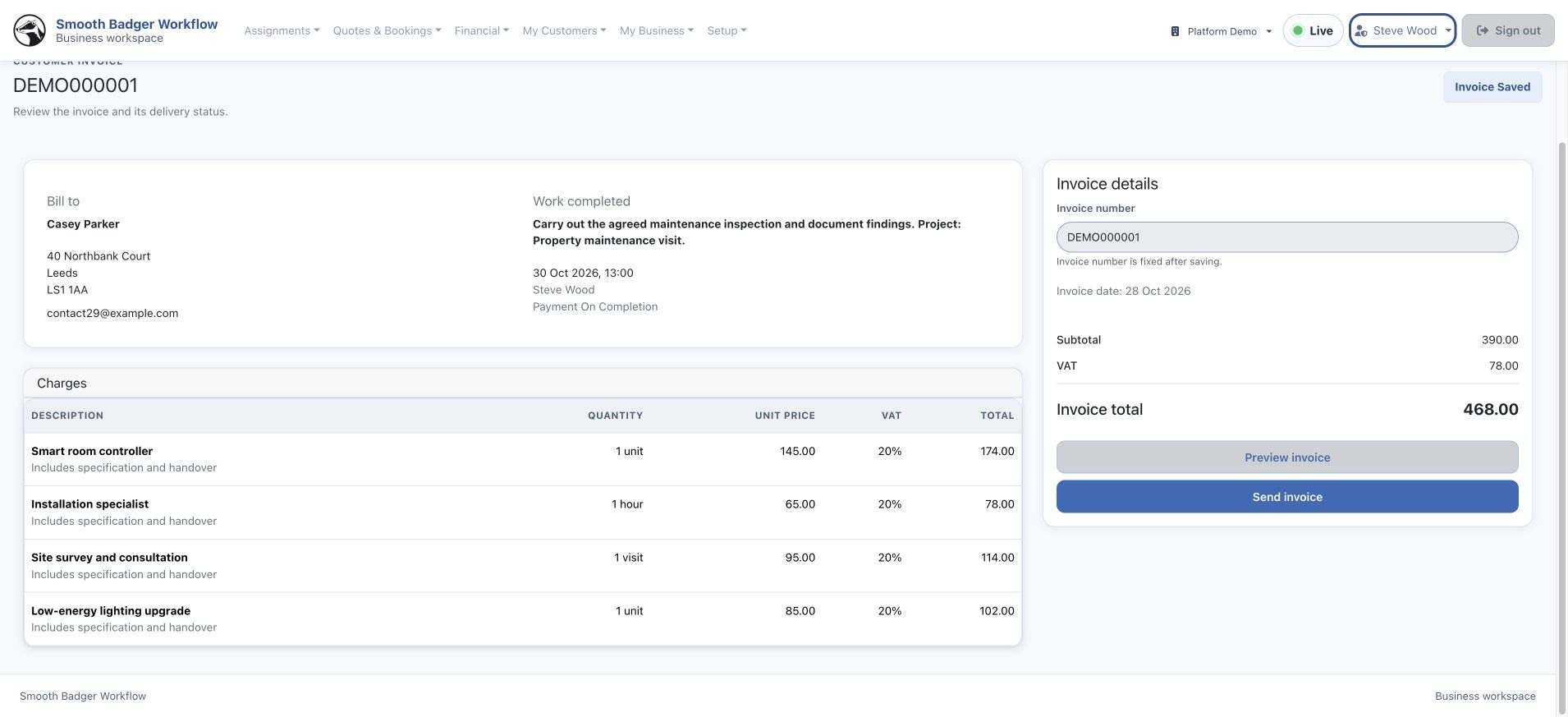
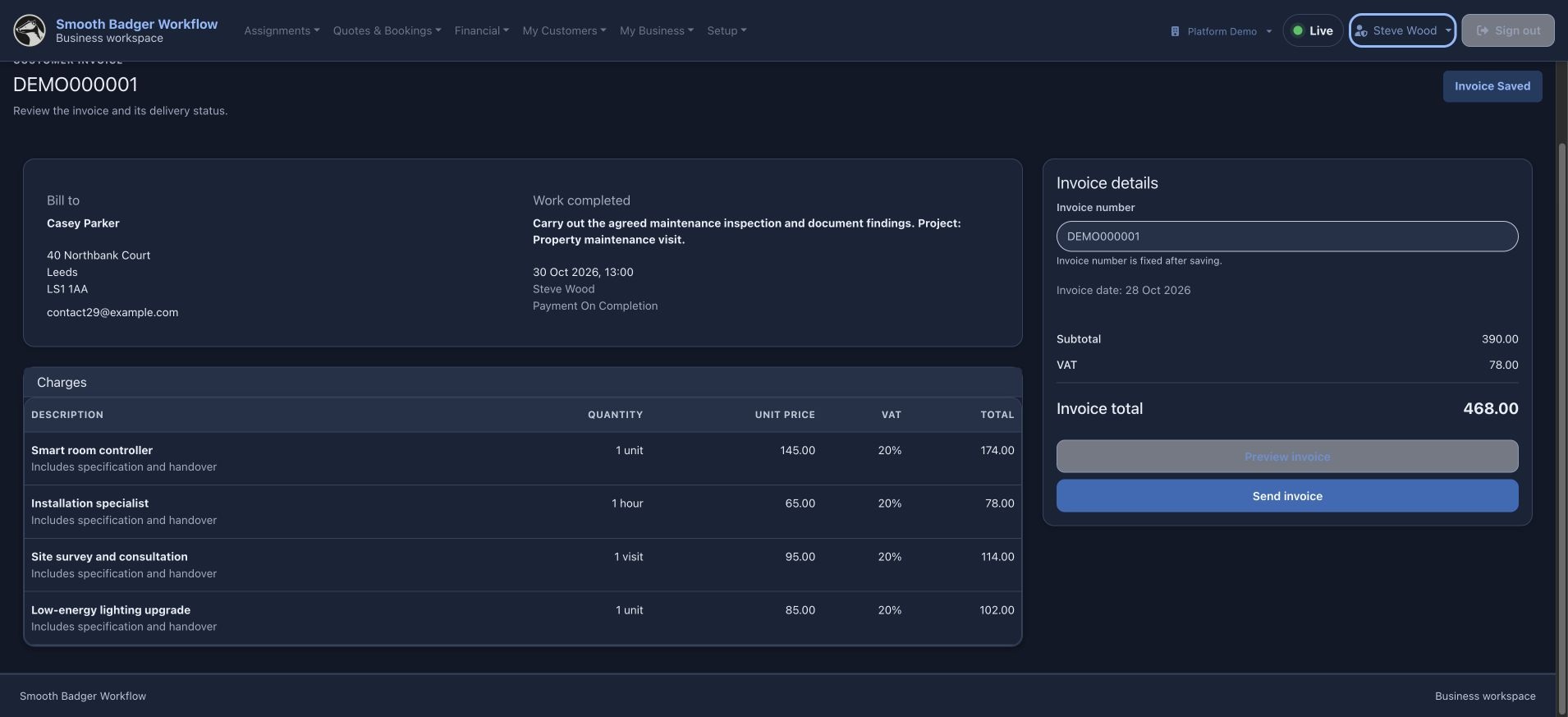
Review and send the invoice
Check the itemised charges and totals, save the invoice and use Send invoice when it is ready for the customer.
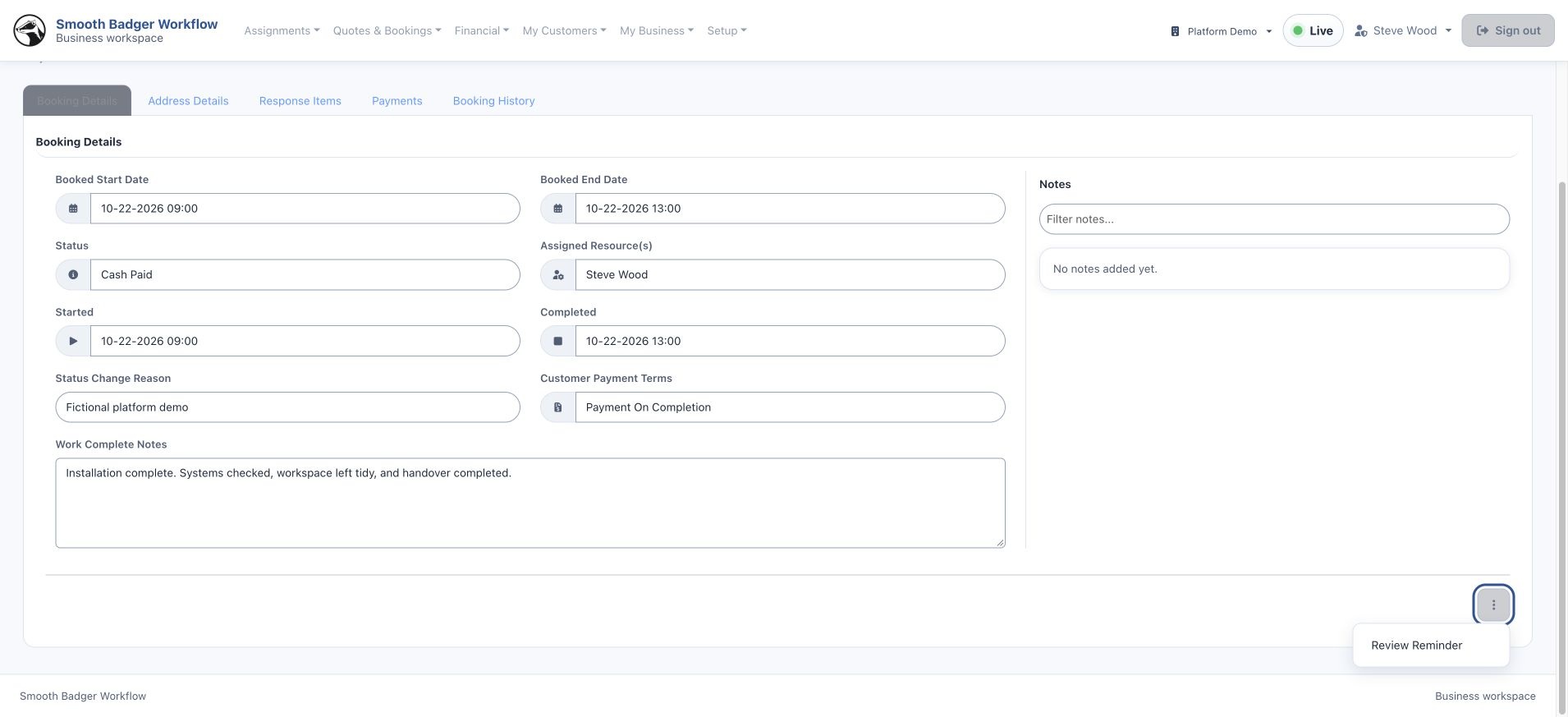
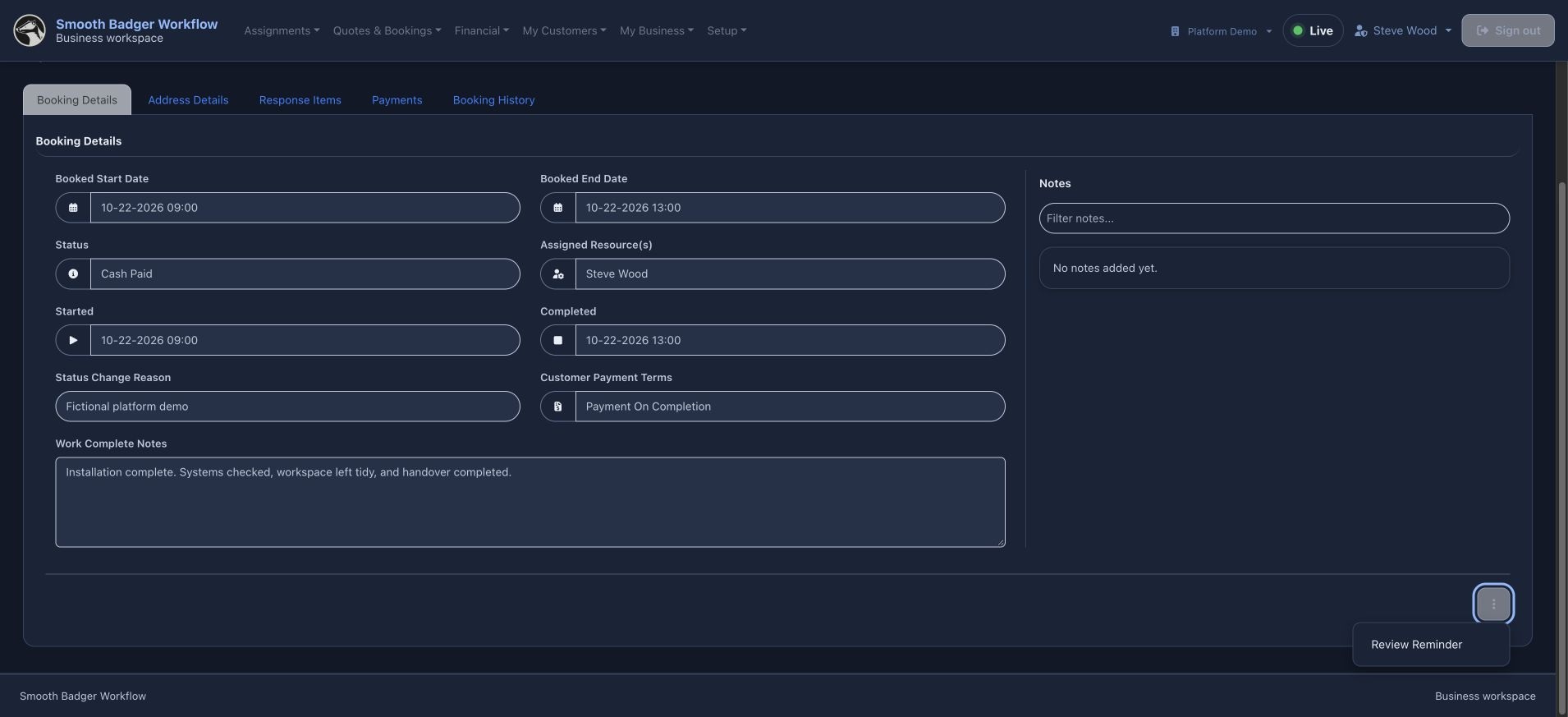
Request a review
Use the booking’s review action after the work is finished. Where a request already exists, the menu offers a reminder.
Follow feedback through to sharing
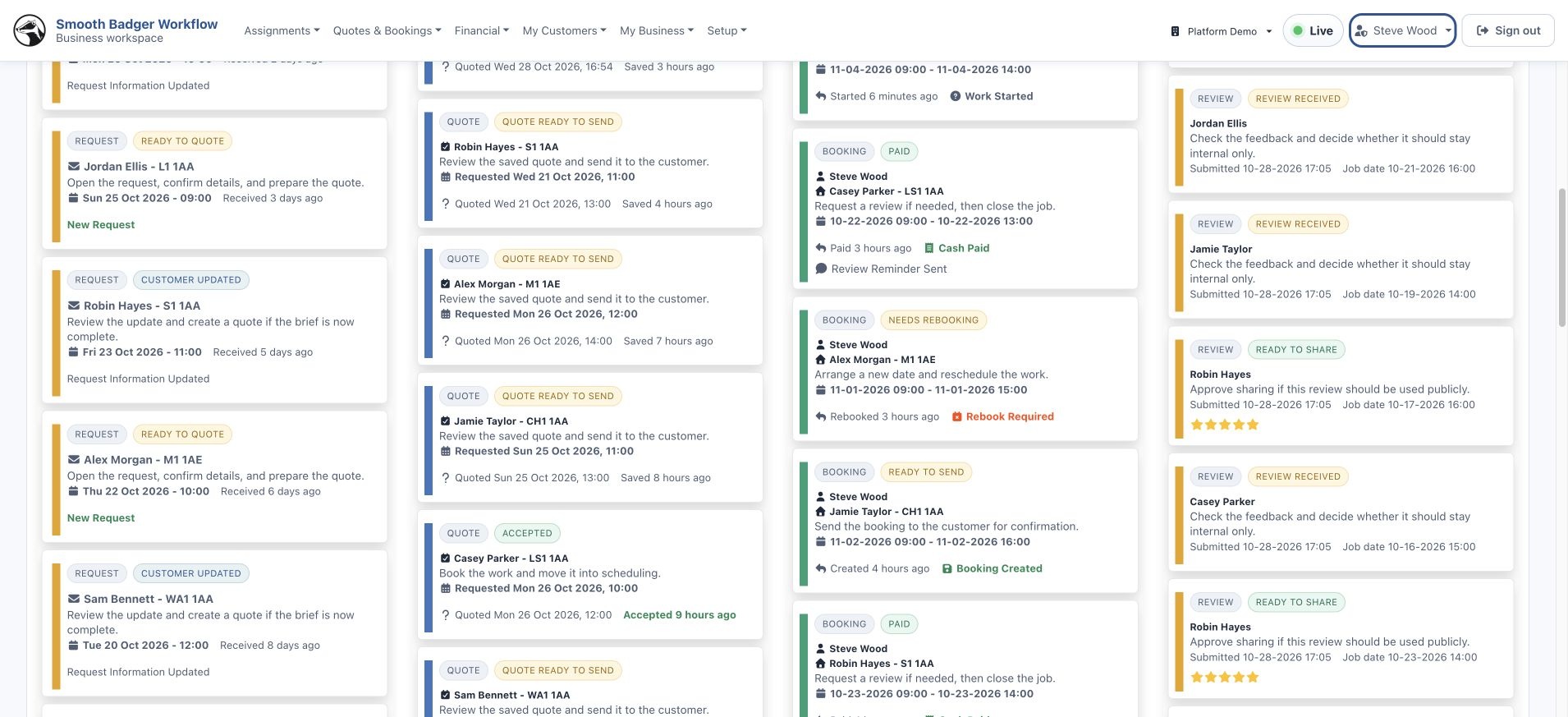
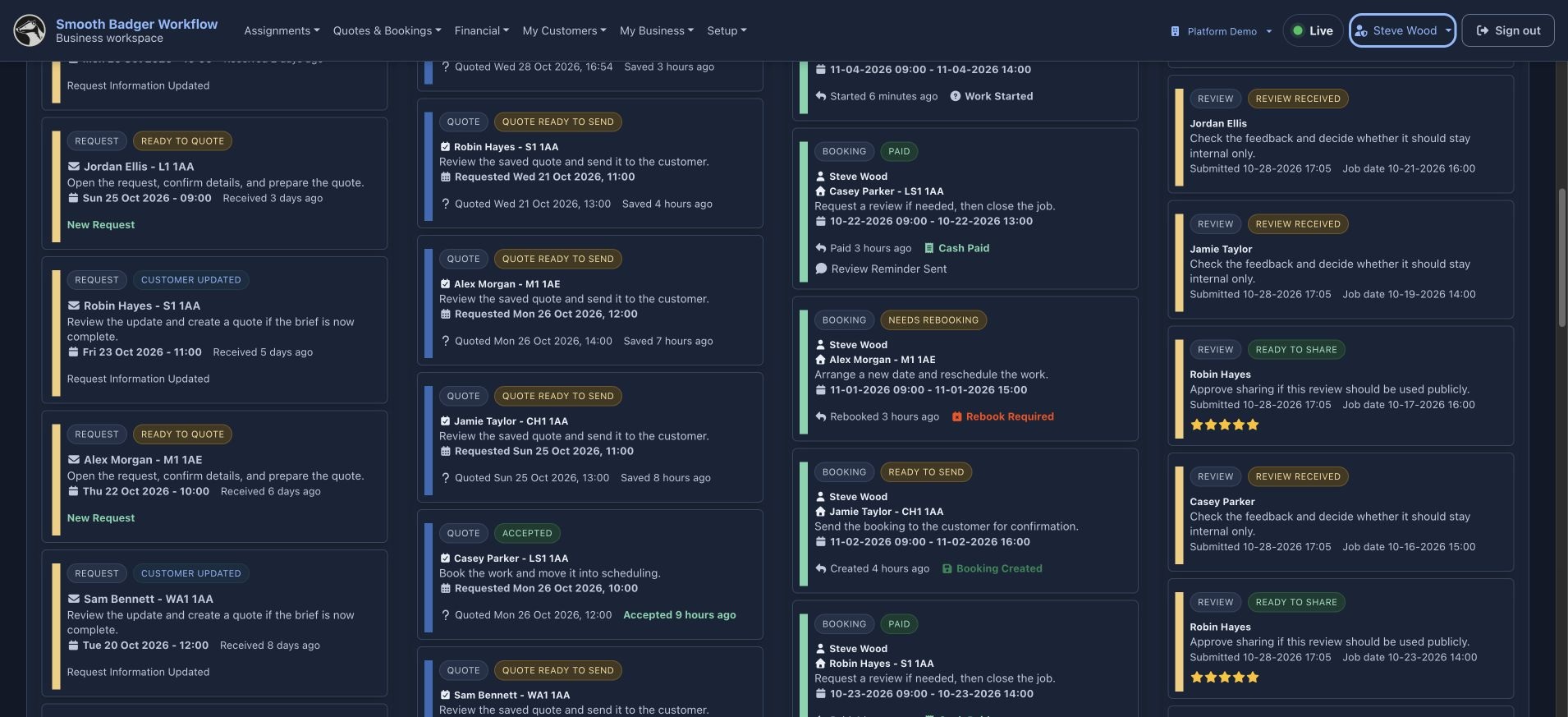
The dashboard keeps received reviews and feedback ready for a sharing decision in view. Open a review to manage its sharing permission.
See how the work
fits together.
You have followed the real Workflow screens through the process. Talk with us about how the workspace could fit your business.
Arrange a walkthrough ↗EXPLORE THE WHOLE PLATFORM