
THE CRM JOURNEY
Every customer.
A clear next action.
Actions are the heart of SmoothBadger CRM. Follow Cedar House Studio through the actual screens: add the customer, create a task, find it in Actions, open it, take an order, then complete it and schedule the next task.
Real deployed app screens · fictional demonstration data · click through each stage.
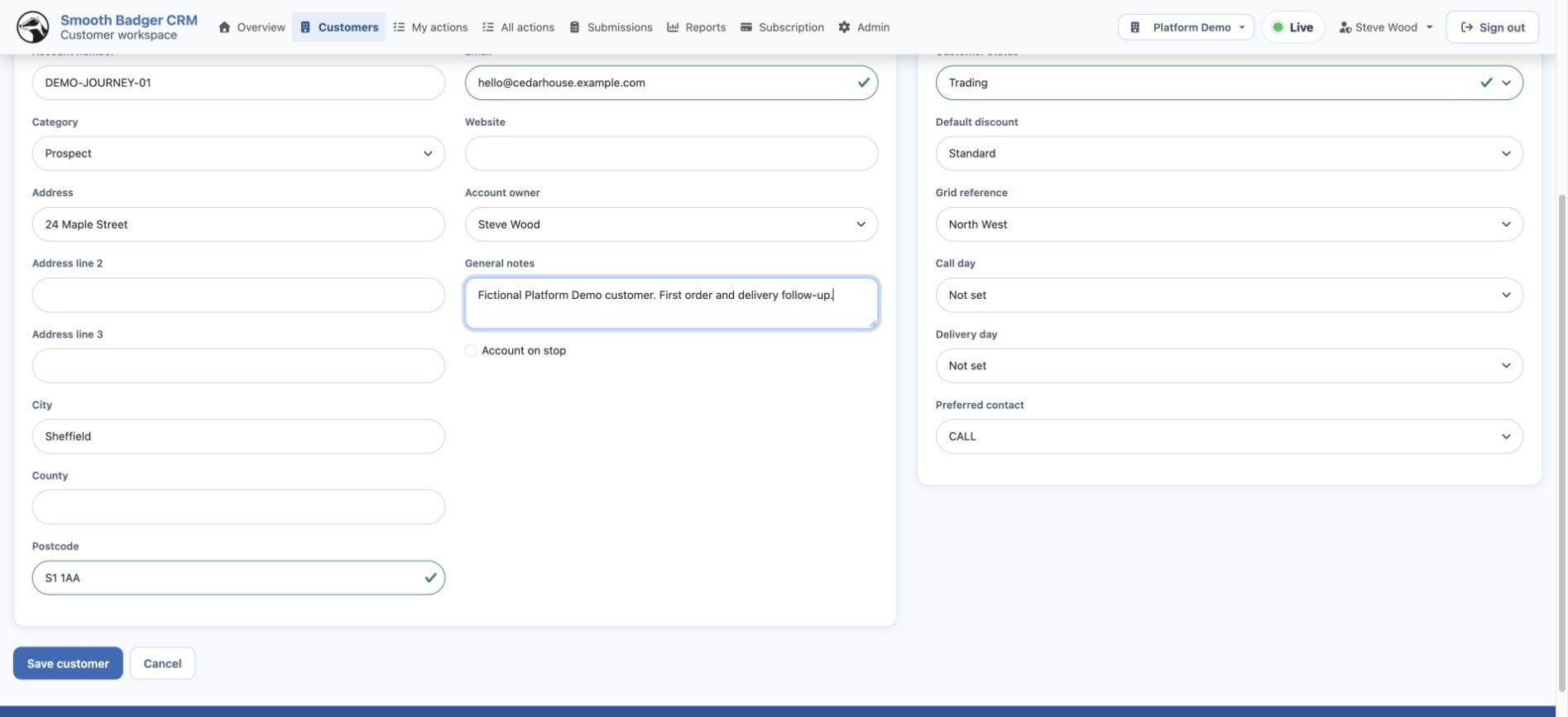
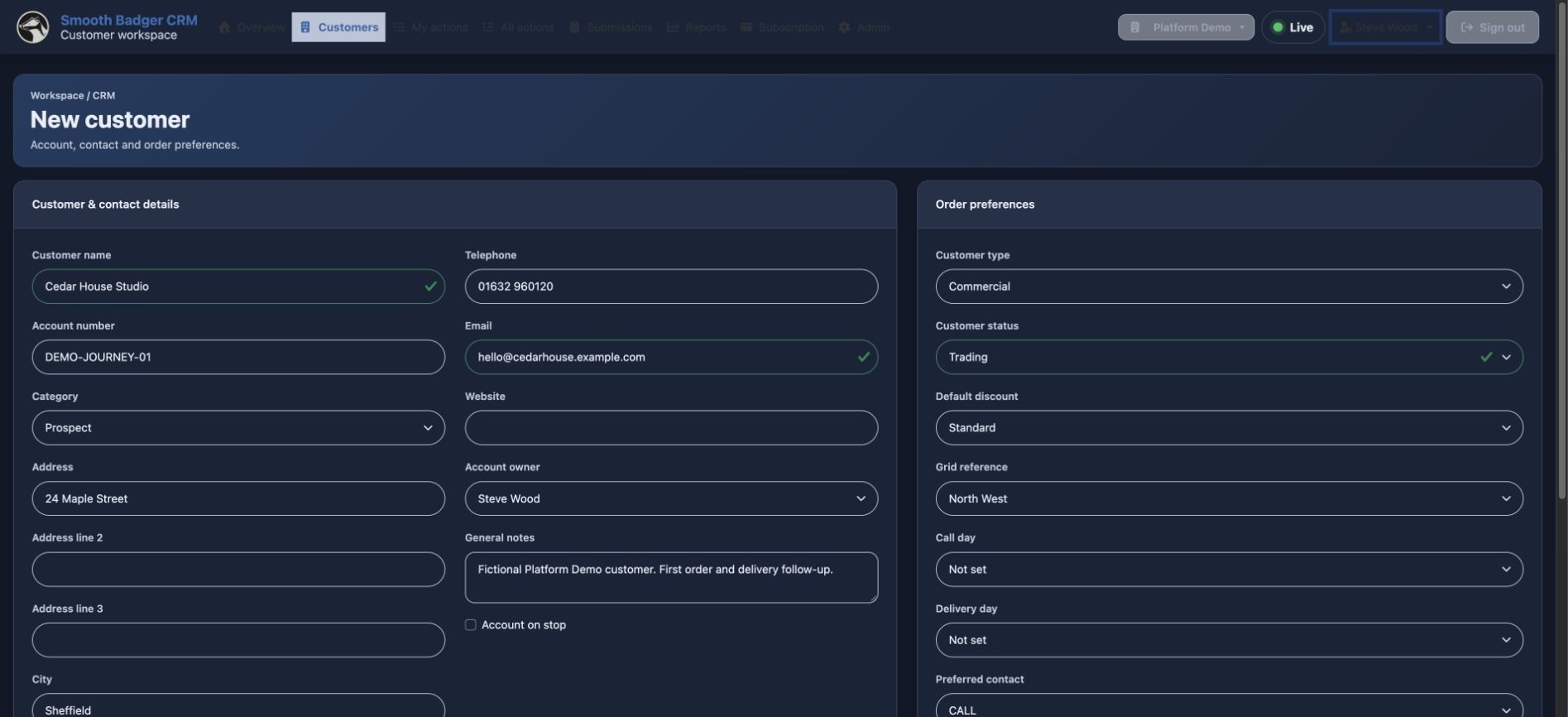
Add a customer
Start with the customer record. Add the business details that will stay with every action and order.
Create a task
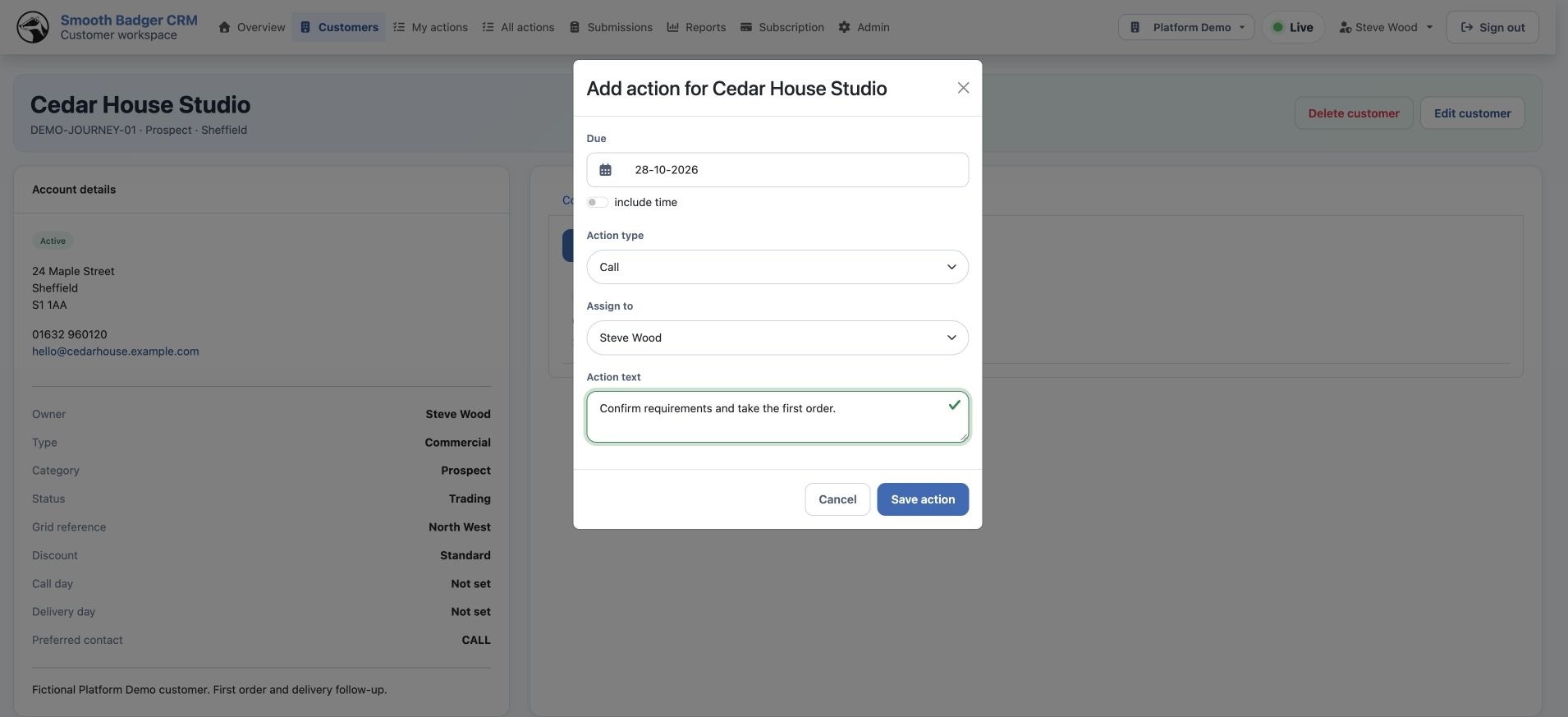
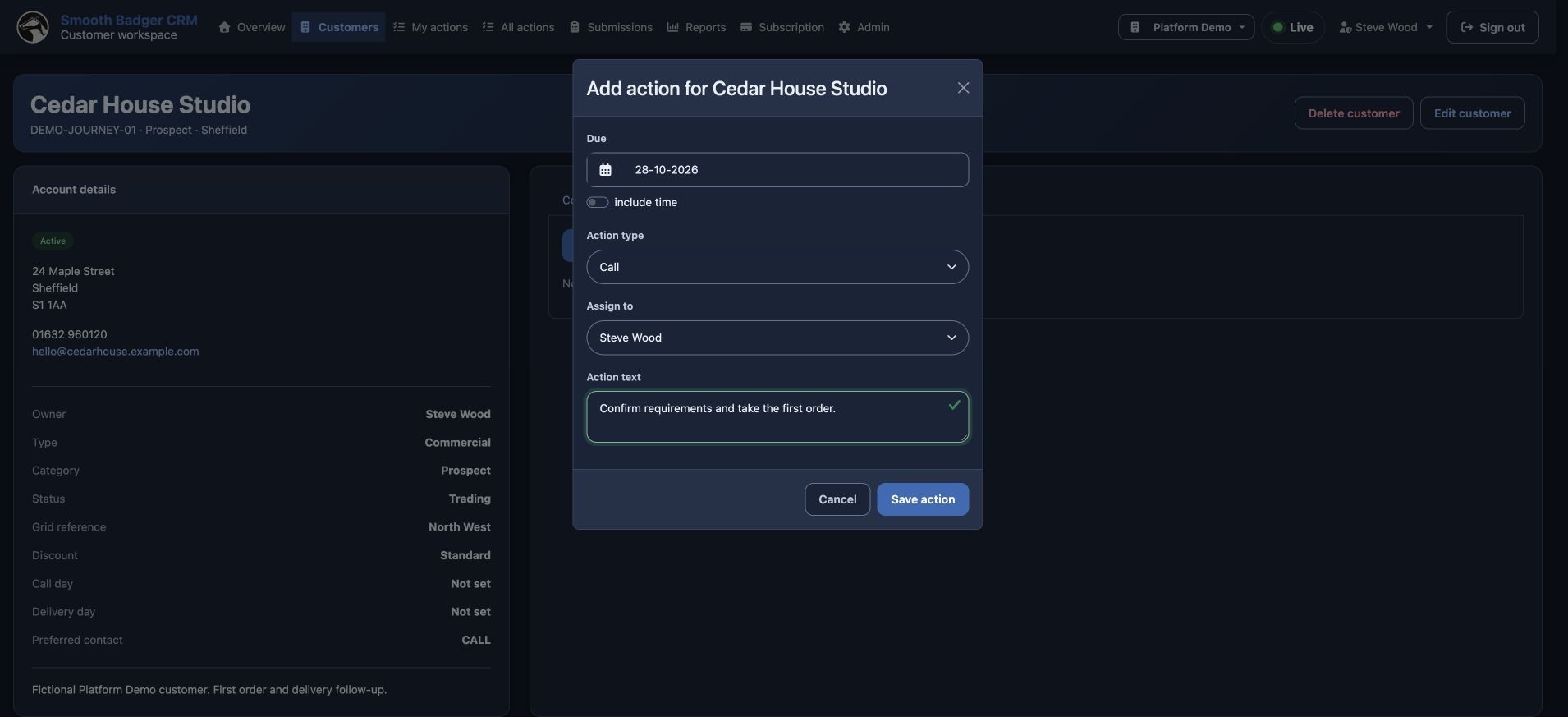
Create an action for the customer. Give it a purpose, a due date, an action type and an owner.
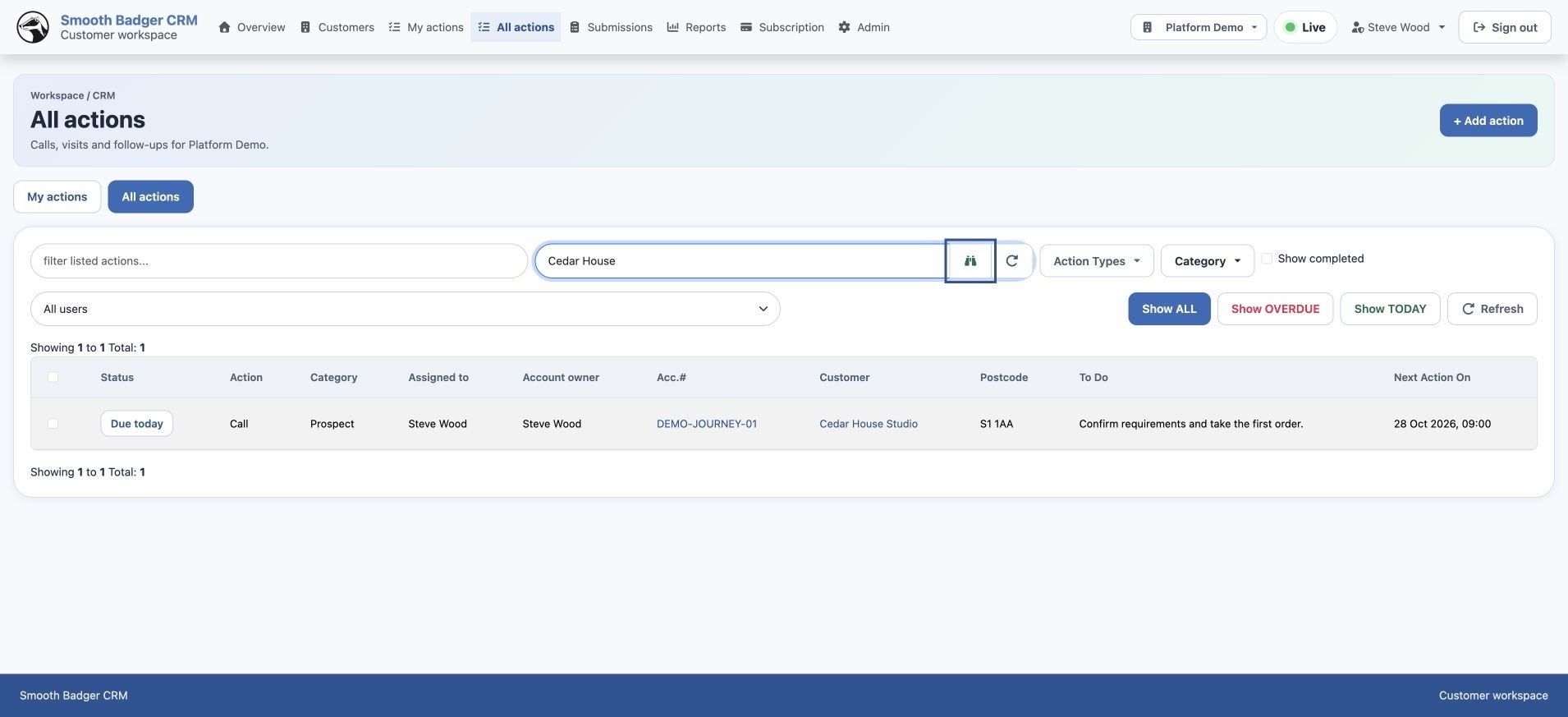
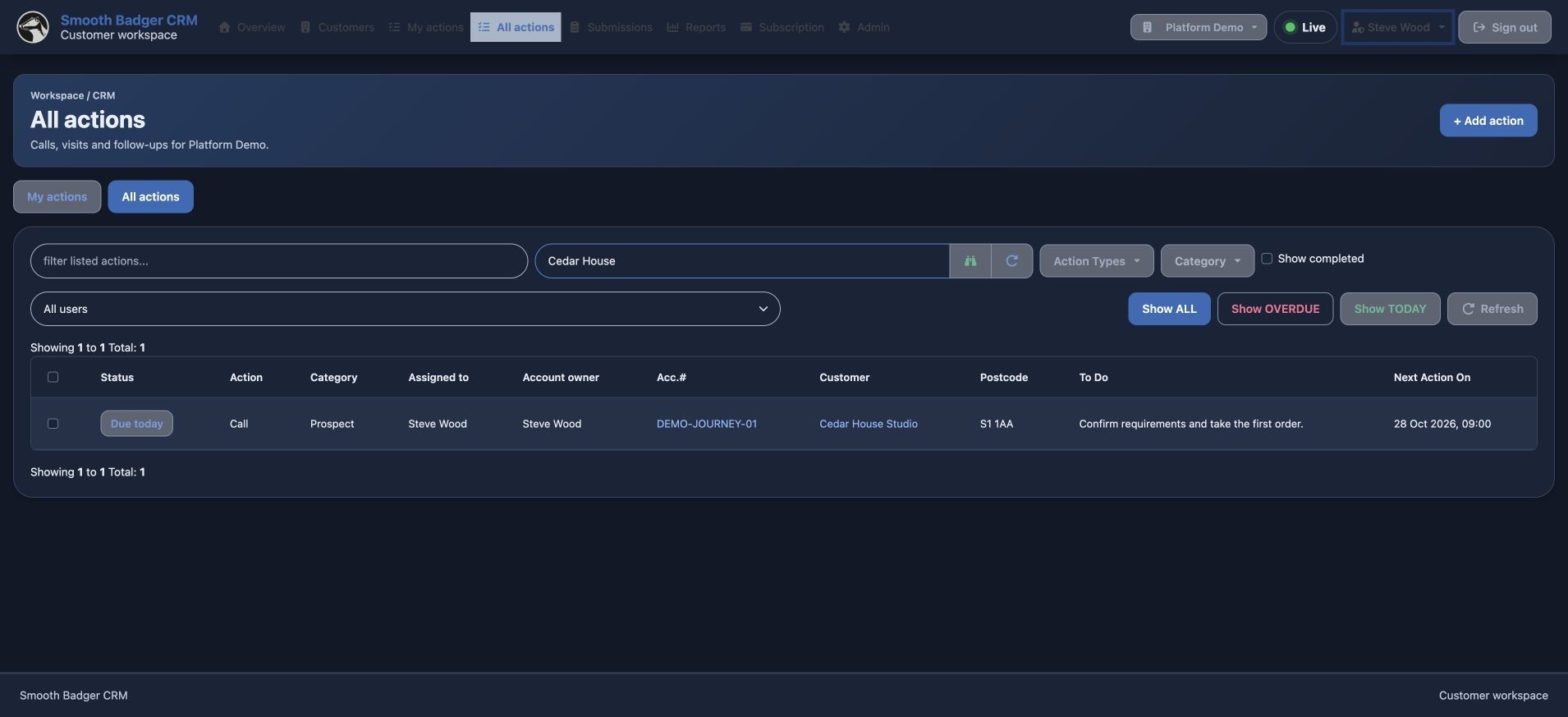
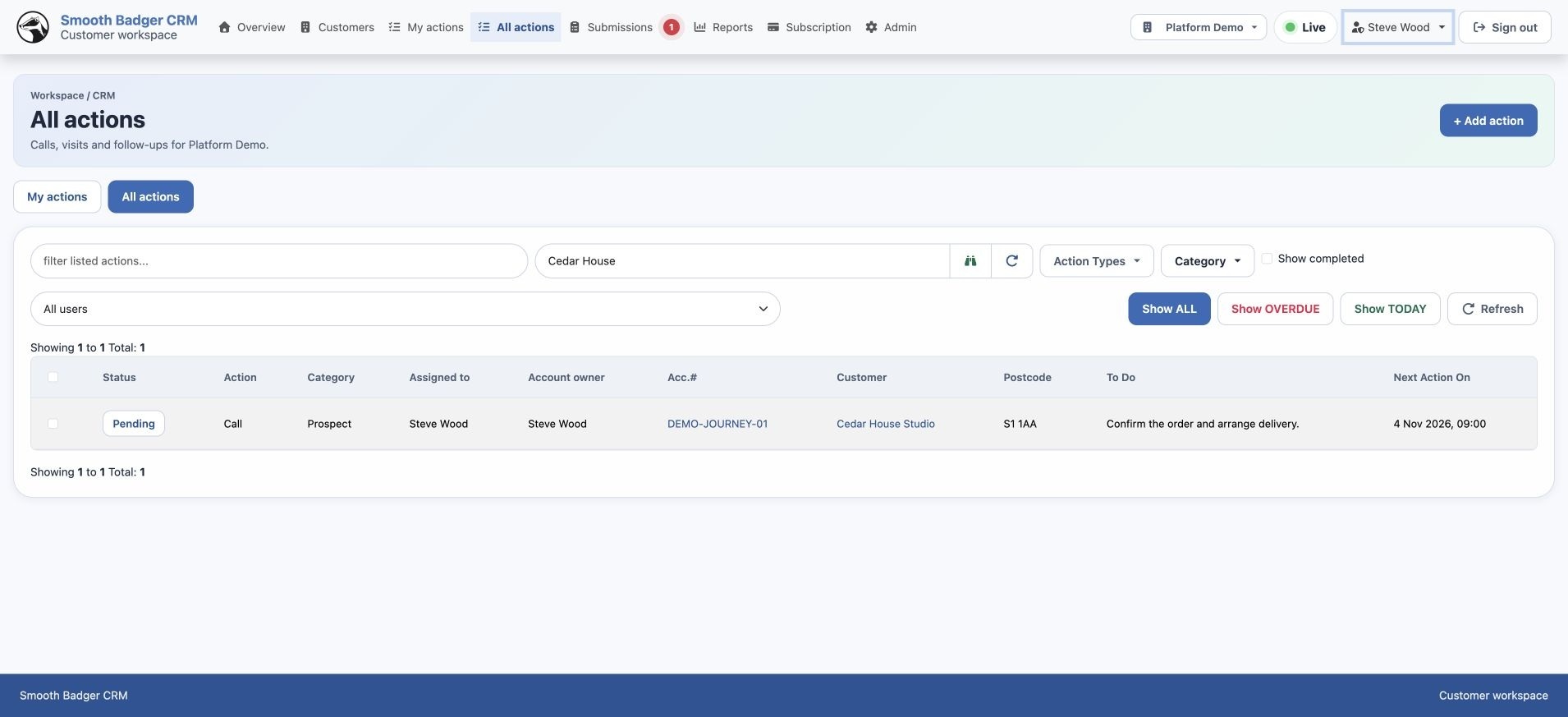
See the task in Actions
Actions is the daily working list. Search for the customer and find the task alongside its due status and owner.
Open the action
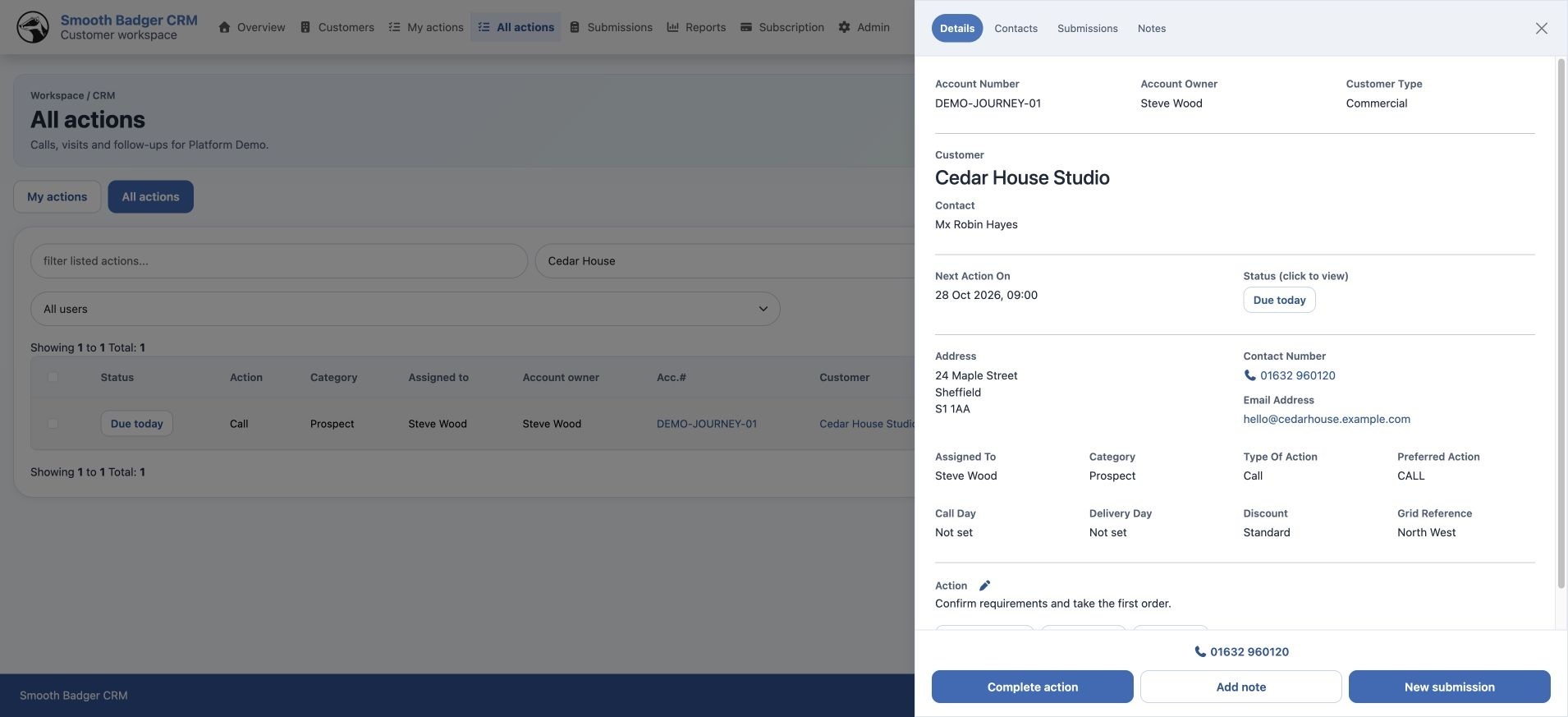
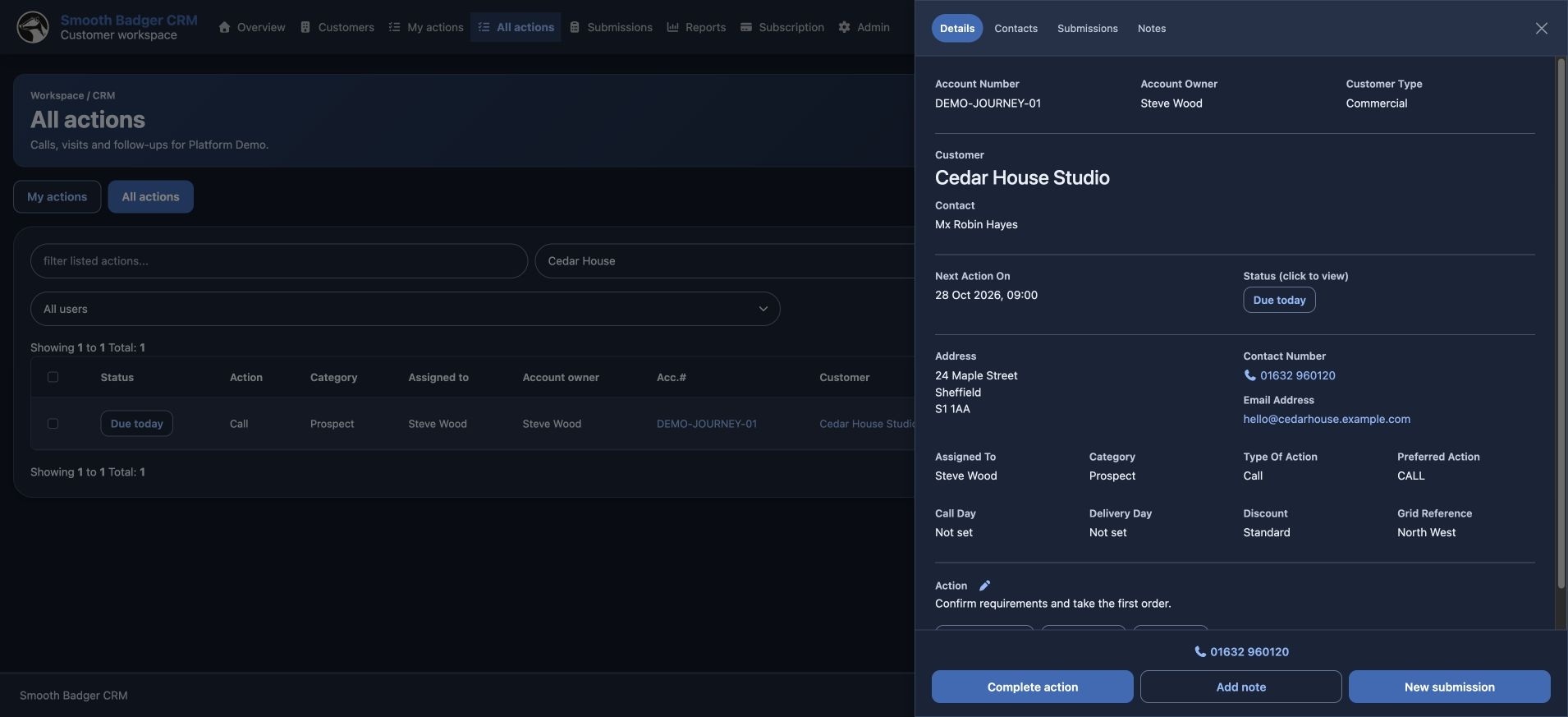
Open the task from Actions. The customer, contact and task details are together, with New submission and Complete action close at hand.
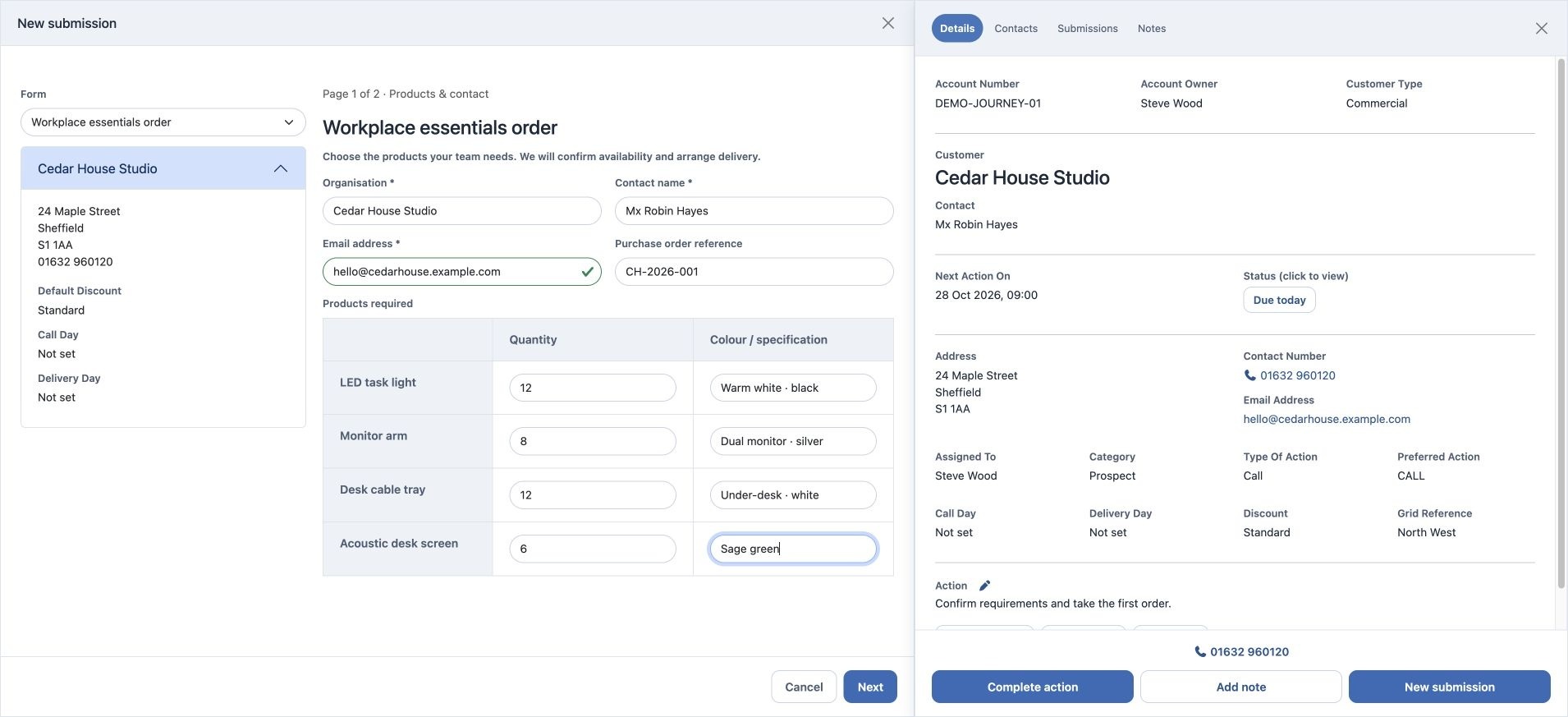
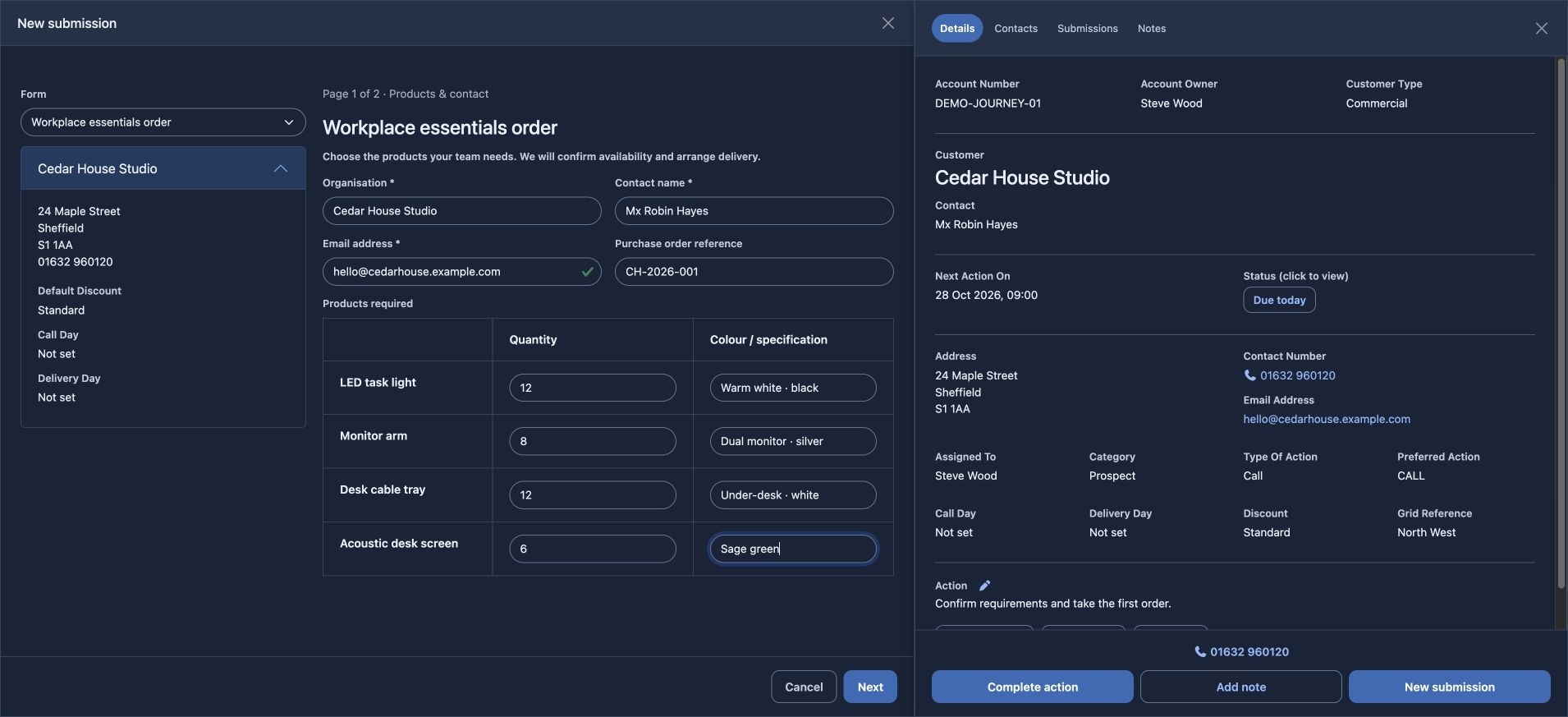
Submit an order
Choose New submission from the action, select the published order form, and enter the products and quantities. The action stays beside the order.
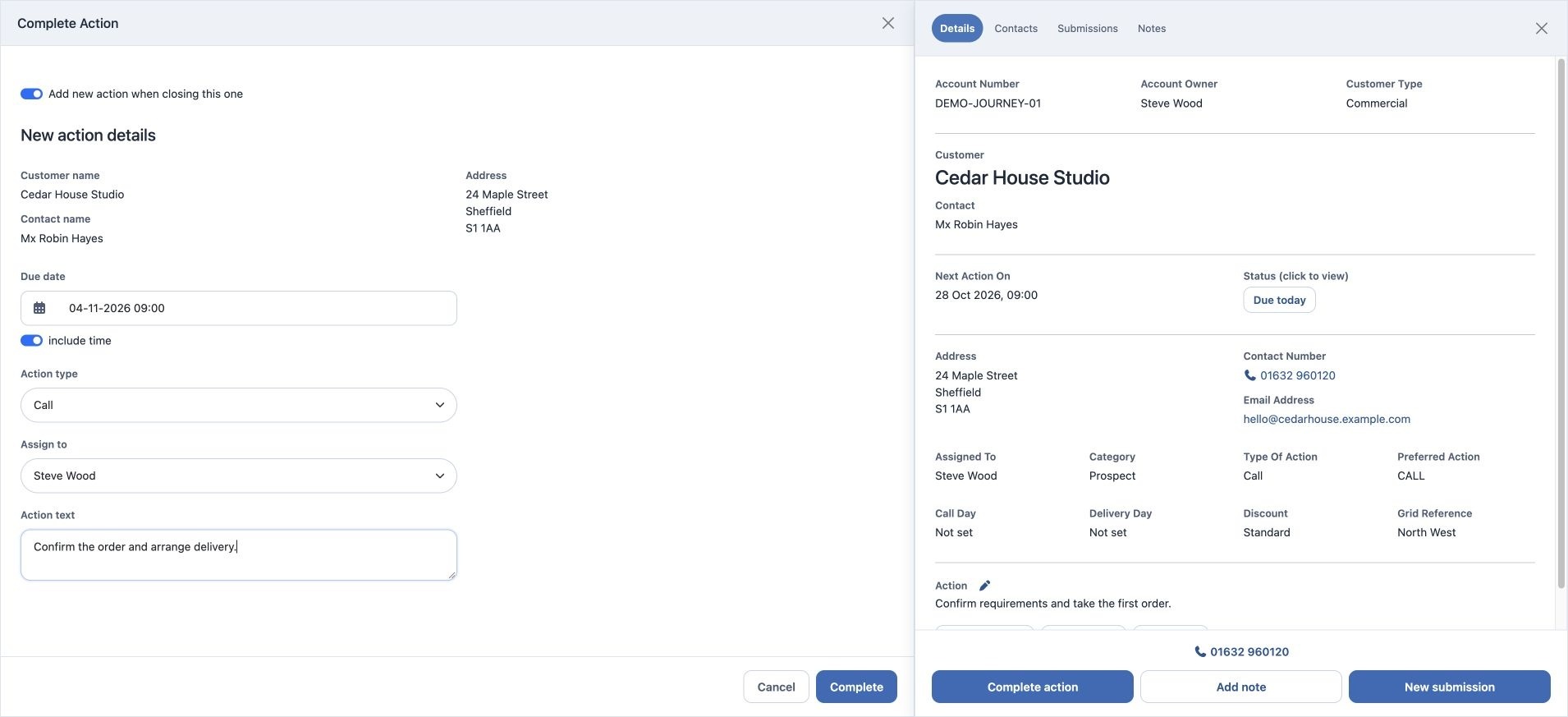
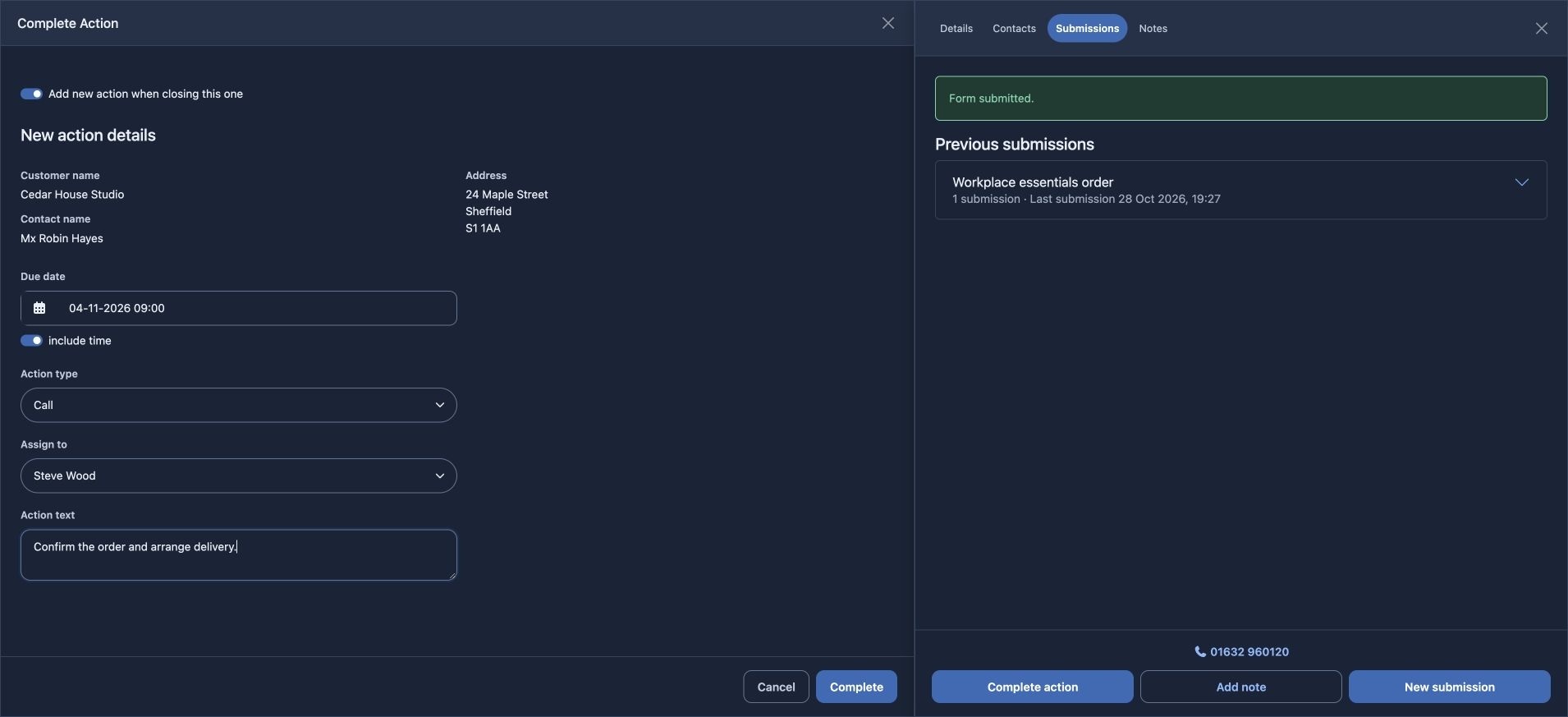
Complete the task and schedule the next one
Complete the finished action and leave “Add new action when closing this one” selected. Set the next task and its due date, so it returns to Actions.
The next task is back in Actions.
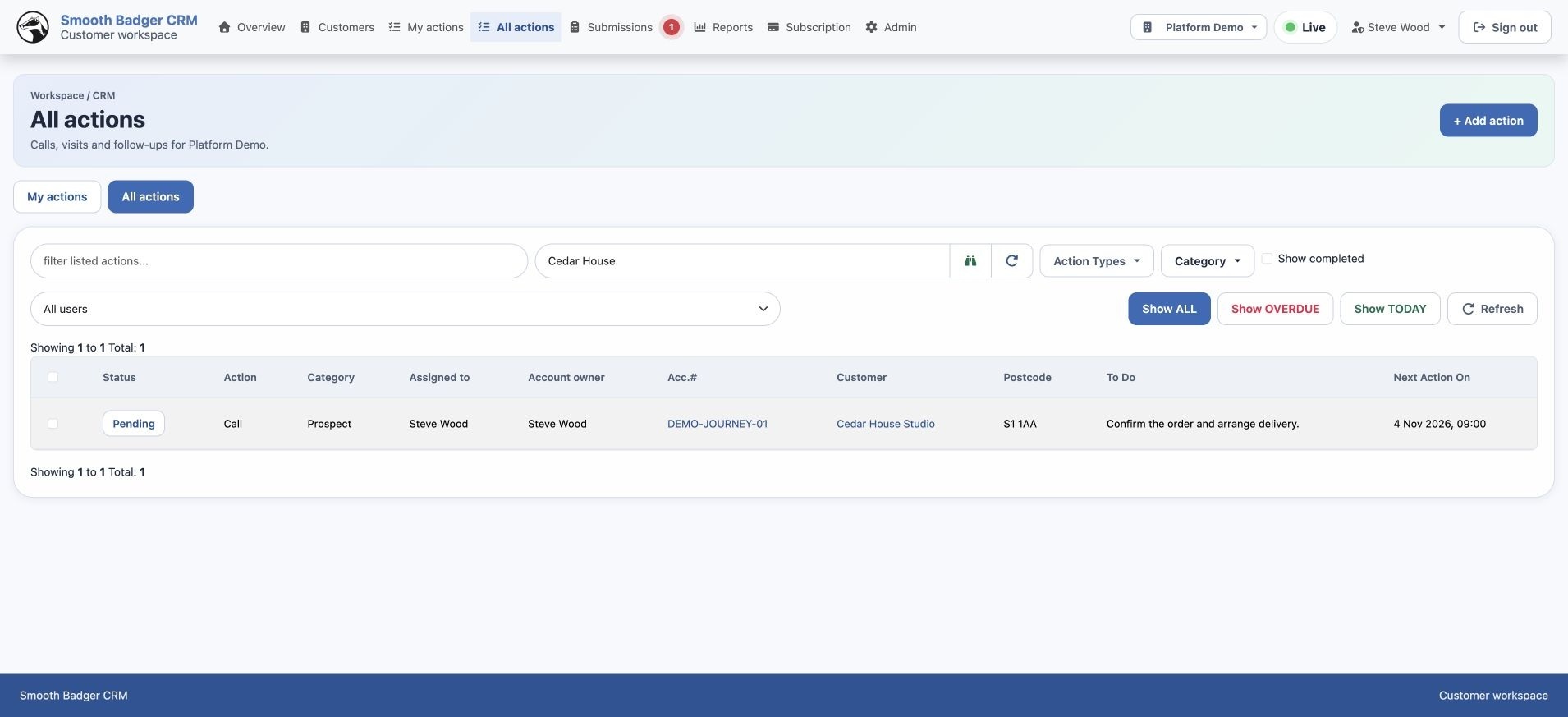
The task is complete.
The next action is ready.
You have followed the real CRM screens through the process. Talk with us about how the workspace could fit your business.
Arrange a walkthrough ↗EXPLORE THE WHOLE PLATFORM